Cara Menggunakan Watermarkly:
- Seret dan lepaskan satu atau beberapa gambar ke dalam aplikasi.
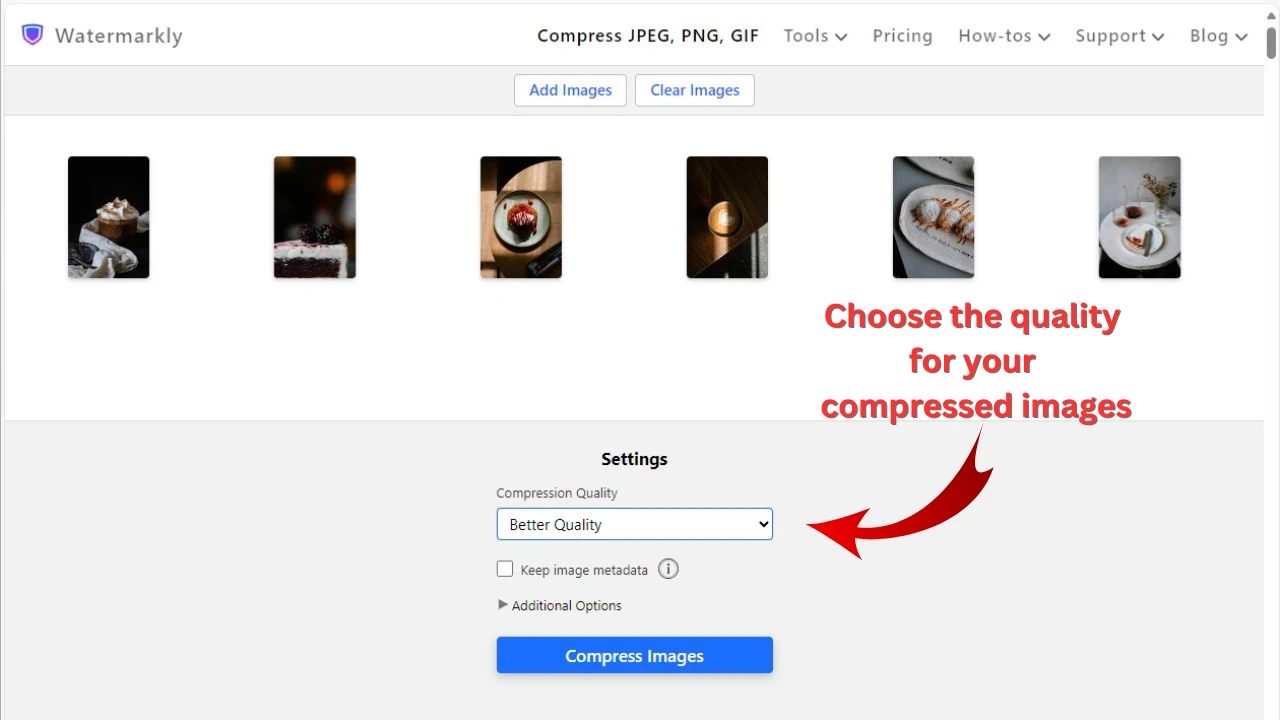
- Pilih opsi “Ukuran file tertentu” di menu Export Settings.
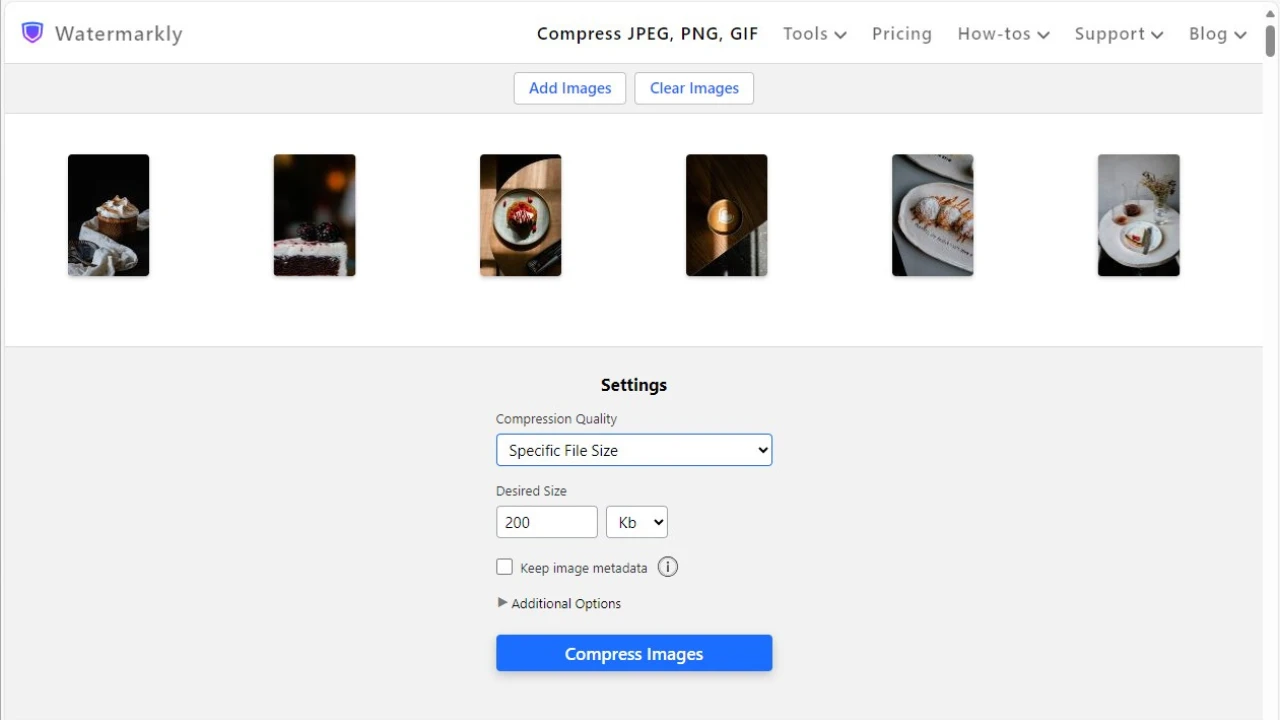
- Pilih “KB” lalu masukkan nilai baru — 50.
- Klik “Kompres Foto”. Aplikasi akan mengerjakan sisanya.
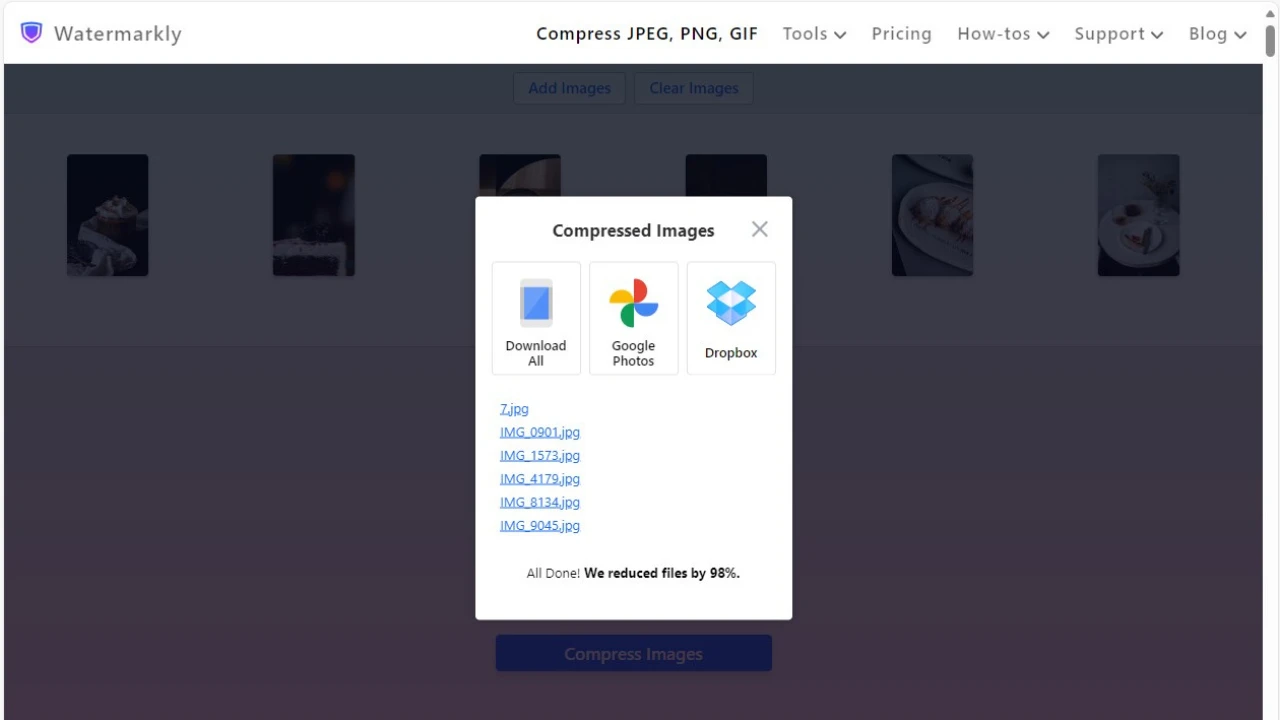
Setelah proses selesai, Anda dapat mengekspor foto yang telah dikompresi ke perangkat Anda atau mengunggahnya ke salah satu layanan cloud yang didukung—Google Photos atau Dropbox.
Kompres Foto OnlineApa yang Membuat Watermarkly Unggul:
- Kompresi sangat cepat, bahkan untuk pemrosesan dalam jumlah besar.
- Mendukung berbagai format: JPEG, PNG, GIF, WEBP, HEIC, dan BMP.
- Tanpa iklan yang mengganggu atau biaya tersembunyi.
- Privasi Anda terjaga — semua file diproses secara lokal di browser Anda.
- Menghasilkan kualitas gambar terbaik dan mempertahankan semua detail penting.
- Dilengkapi fitur tambahan untuk pengeditan gambar dasar, seperti memotong, menambahkan watermark di foto, dan menambahkan teks.