Dapatkan Salinan Hasil Kompresi dalam 3 Langkah:
- Unggah satu atau beberapa file ke dalam aplikasi.
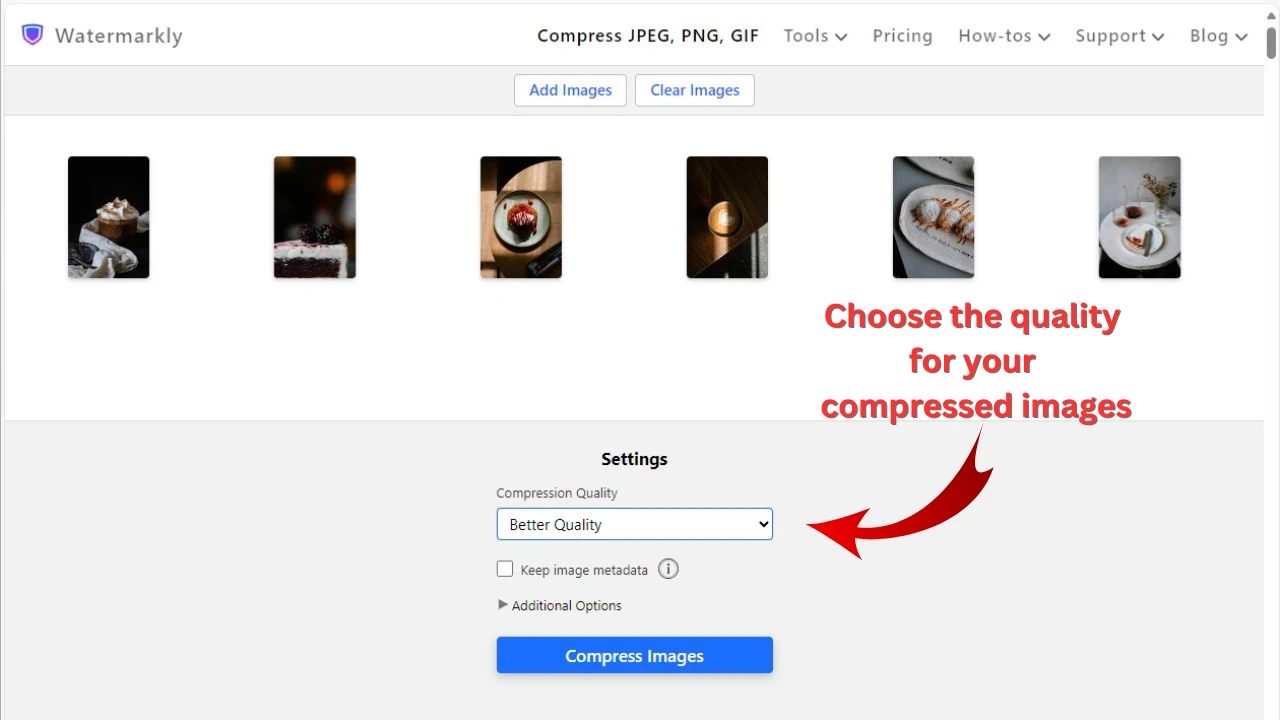
- Pilih opsi “Ukuran file tertentu” pada pengaturan ekspor, lalu masukkan angka 200 ke dalam kolom input dan pilih opsi “kb”.
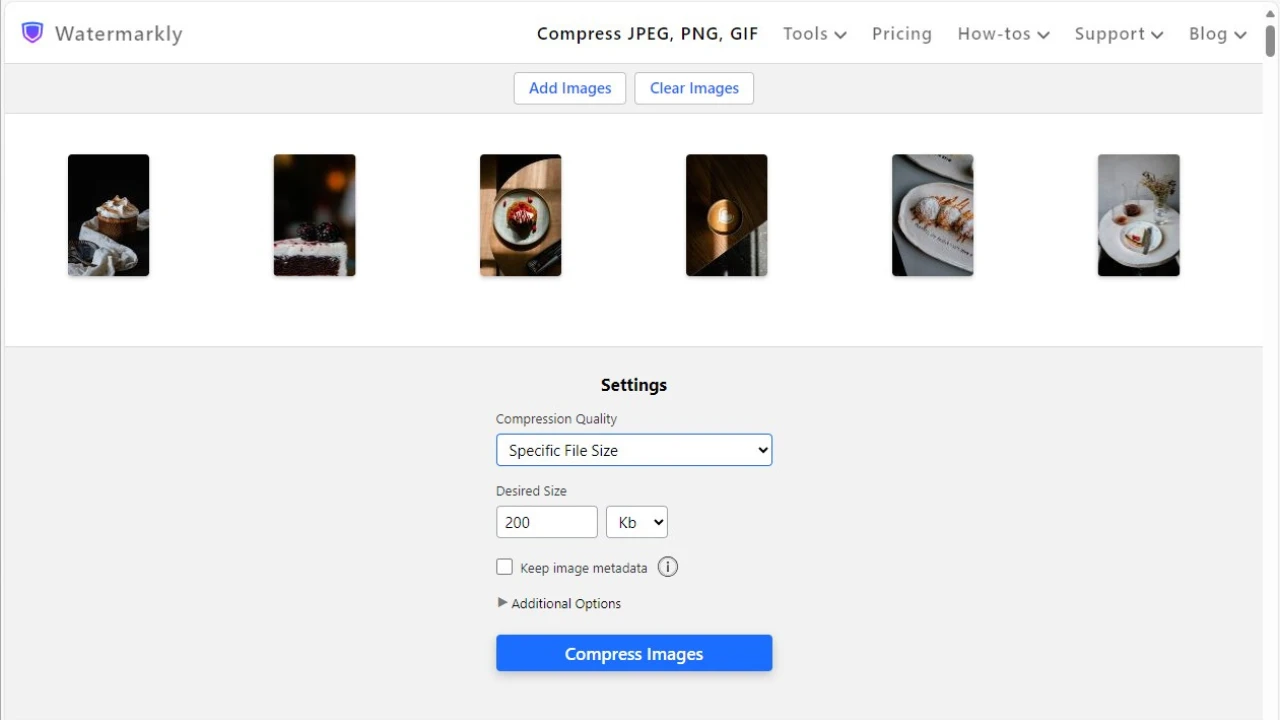
- Klik tombol “Kompres foto”.
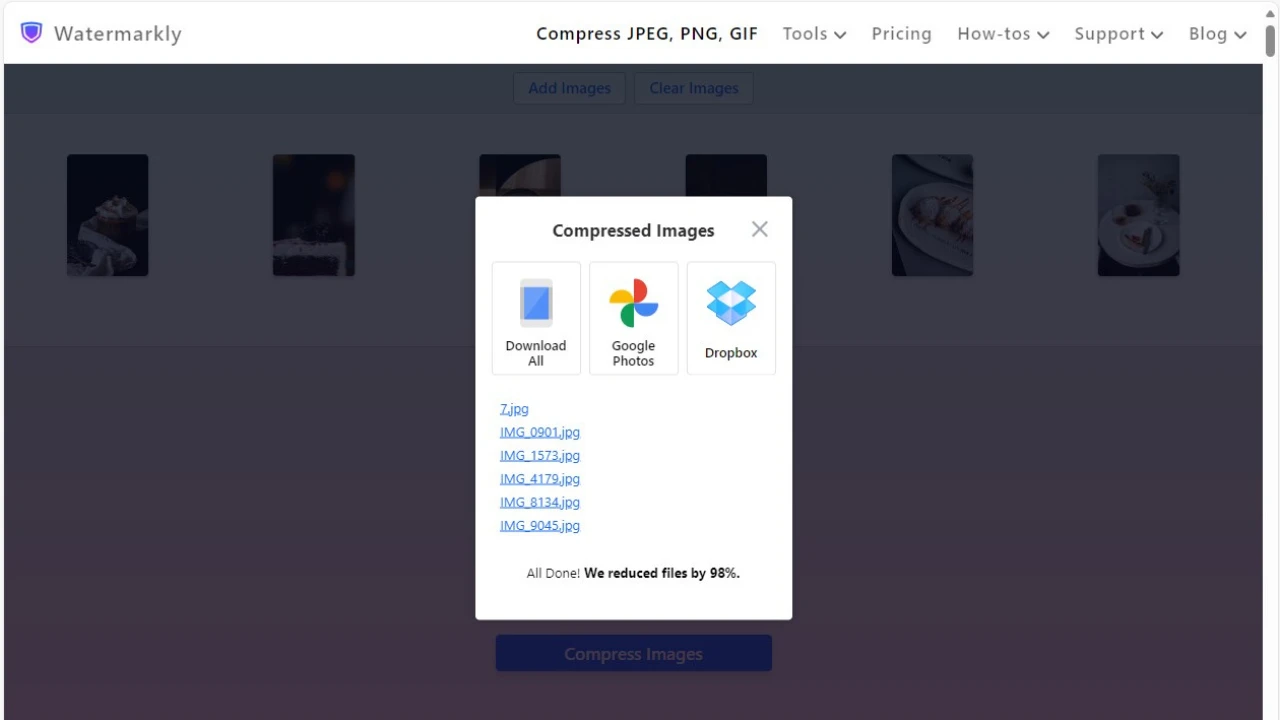
Setelah proses selesai, Anda dapat menyimpan foto yang telah dikompresi langsung ke folder Downloads atau mengunggahnya ke penyimpanan cloud Anda di Google Photos atau Dropbox.
Kompres Foto OnlineMengapa Menggunakan Watermarkly untuk Mengompres Foto hingga 200 KB
- Kompresi super cepat, bahkan saat Anda mengunggah beberapa gambar sekaligus.
- Mendukung semua format gambar populer: JPEG, PNG, GIF, WEBP, HEIC, BMP.
- Akses gratis tanpa iklan pop-up.
- Kami tidak akan pernah memiliki akses ke file Anda. Semua file diproses langsung di browser Anda.
- Kualitas gambar setinggi mungkin akan tetap dipertahankan.
- Alat tambahan untuk pengeditan gambar dasar: ubah ukuran foto, potong foto, buramkan, watermark gambar, dan tambahkan teks ke foto Anda.