Ikuti langkah-langkah sederhana berikut:
- Seret & lepaskan file Anda ke dalam aplikasi.
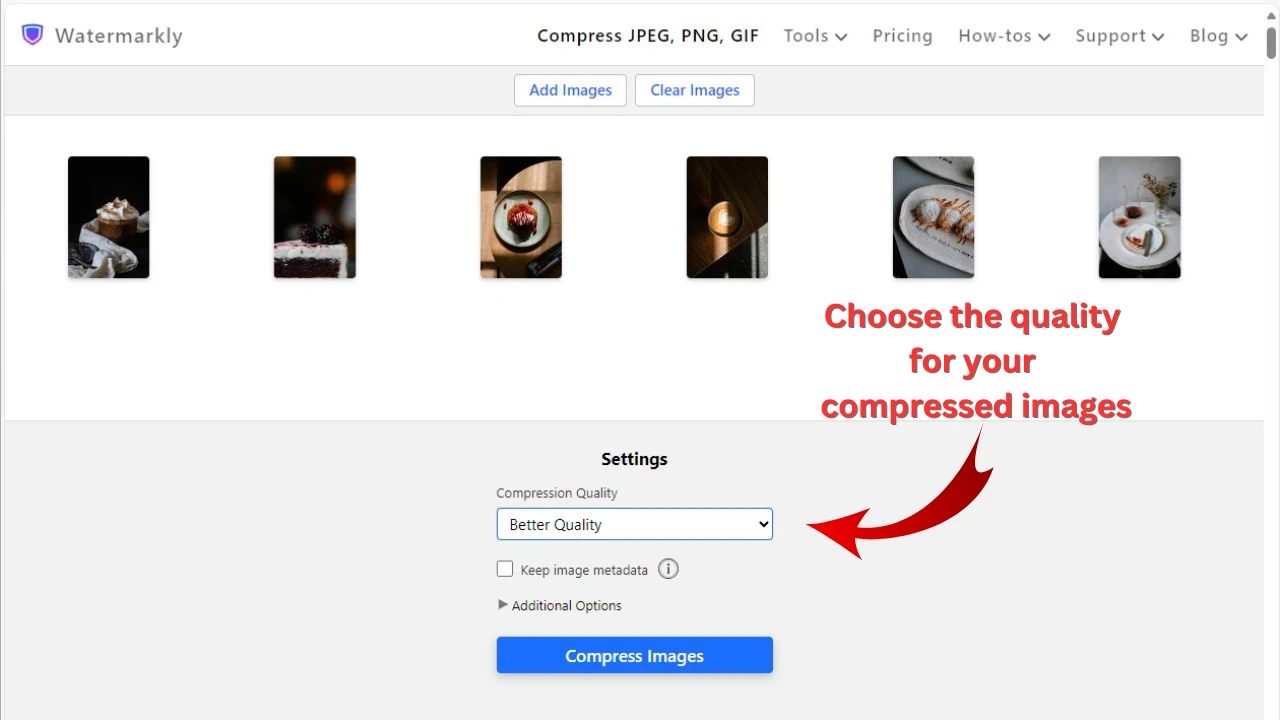
- Buka Export Settings, lalu pilih ukuran file tertentu, pilih “KB”, dan masukkan 100.
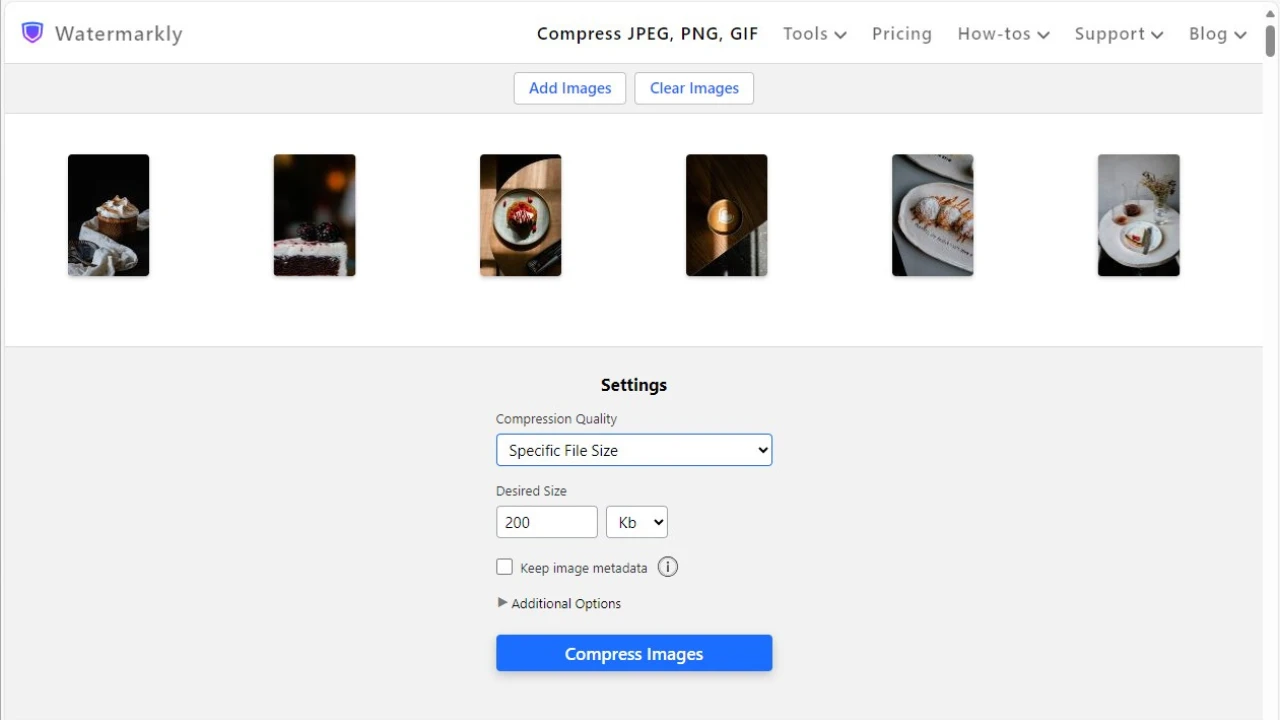
- Tekan tombol biru untuk mengompres gambar Anda.
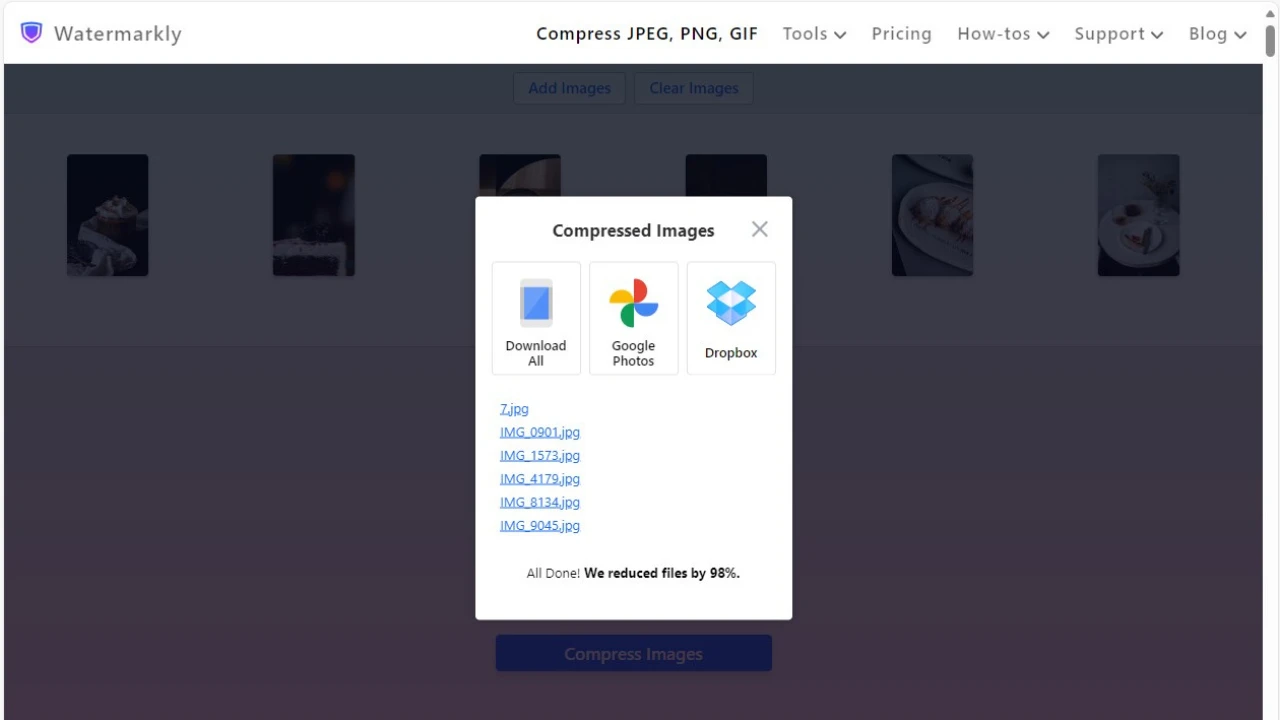
Unduh hasil gambar yang telah dikompres ke perangkat Anda atau unggah langsung ke Google Photos atau Dropbox.
Kompres Foto OnlineMengapa Memilih Watermarkly untuk Mengompres Foto hingga 100 KB
- Kompresi cepat dan efisien, bahkan untuk unggahan dalam jumlah besar.
- Anda dapat bekerja dengan format populer seperti JPEG, PNG, GIF, WEBP, HEIC, dan BMP.
- Sepenuhnya gratis dan tanpa iklan.
- File Anda aman dan terlindungi — semua proses dilakukan langsung di browser Anda.
- Kualitas gambar yang optimal selalu dipertahankan.
- Manfaatkan fitur tambahan: ubah ukuran foto, potong foto, buramkan, watermark gambar, dan tambahkan teks ke gambar Anda.