Cara Menggunakan Watermarkly:
- Seret dan lepas satu atau beberapa gambar ke dalam aplikasi.
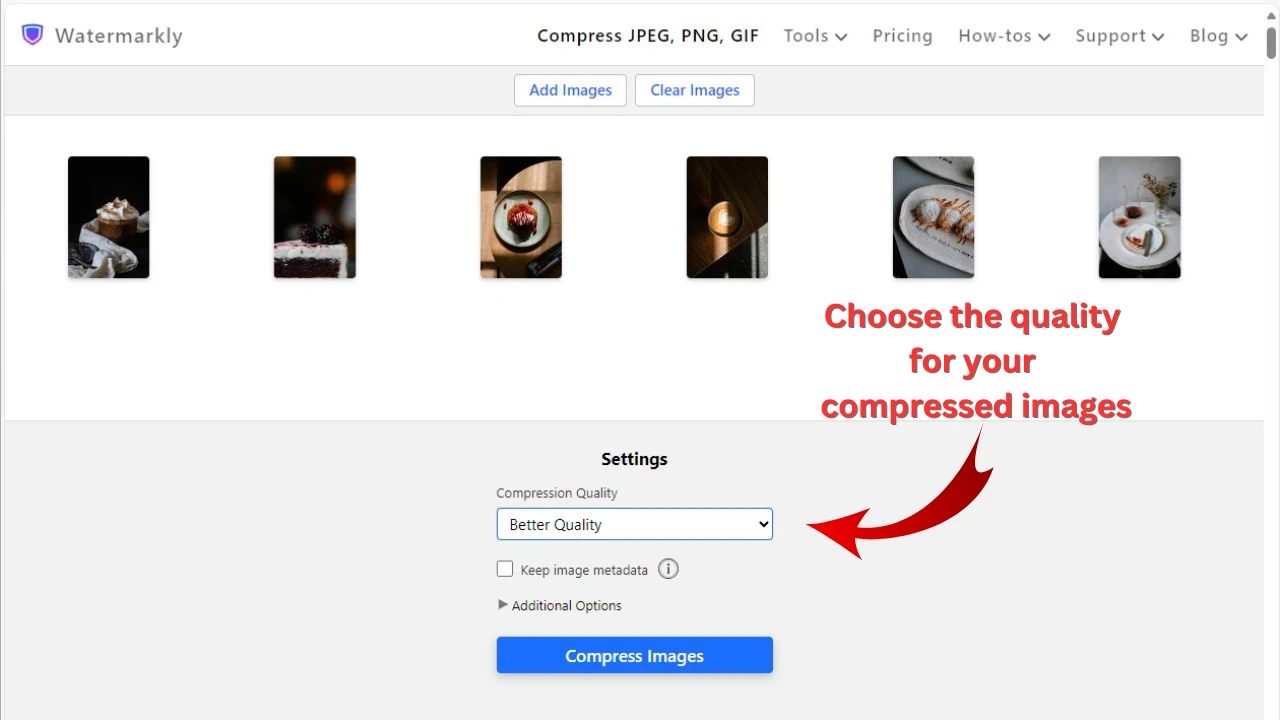
- Pilih opsi "Specific file size" di menu Export Settings.
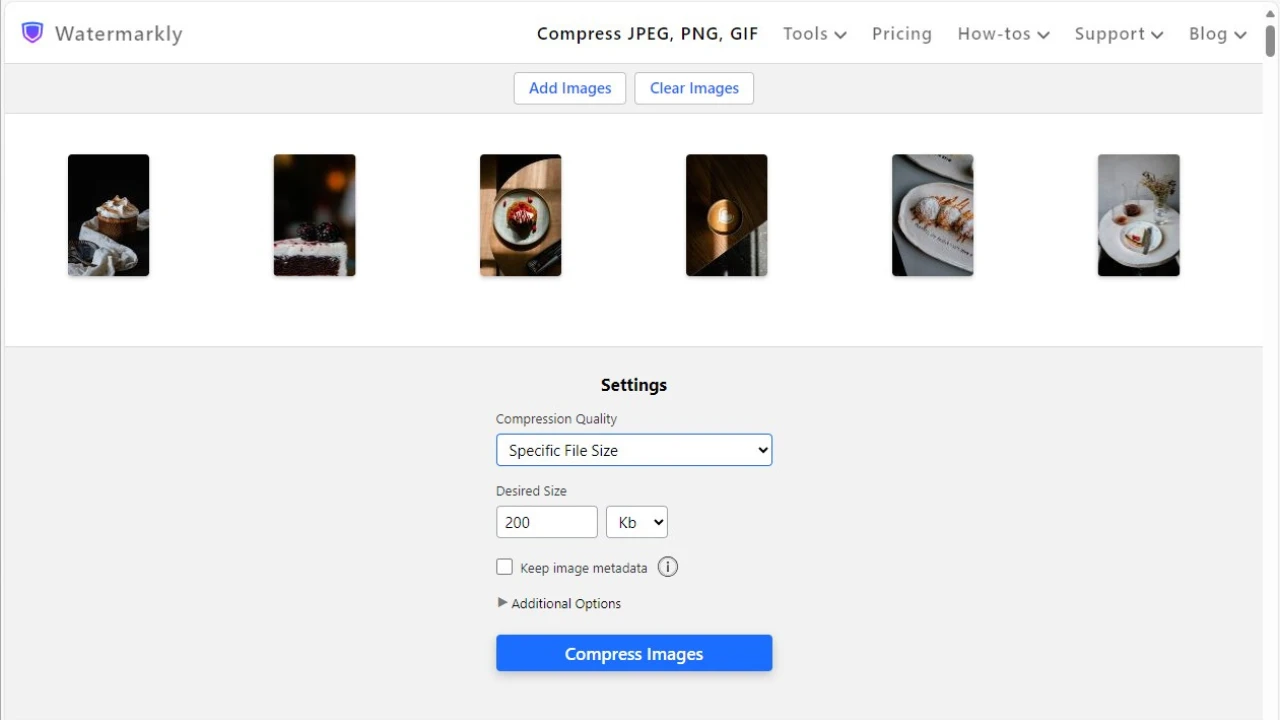
- Pilih "kb" dan masukkan nilai baru – 50.
- Klik "Compress Images". Aplikasi akan melakukan sisanya.
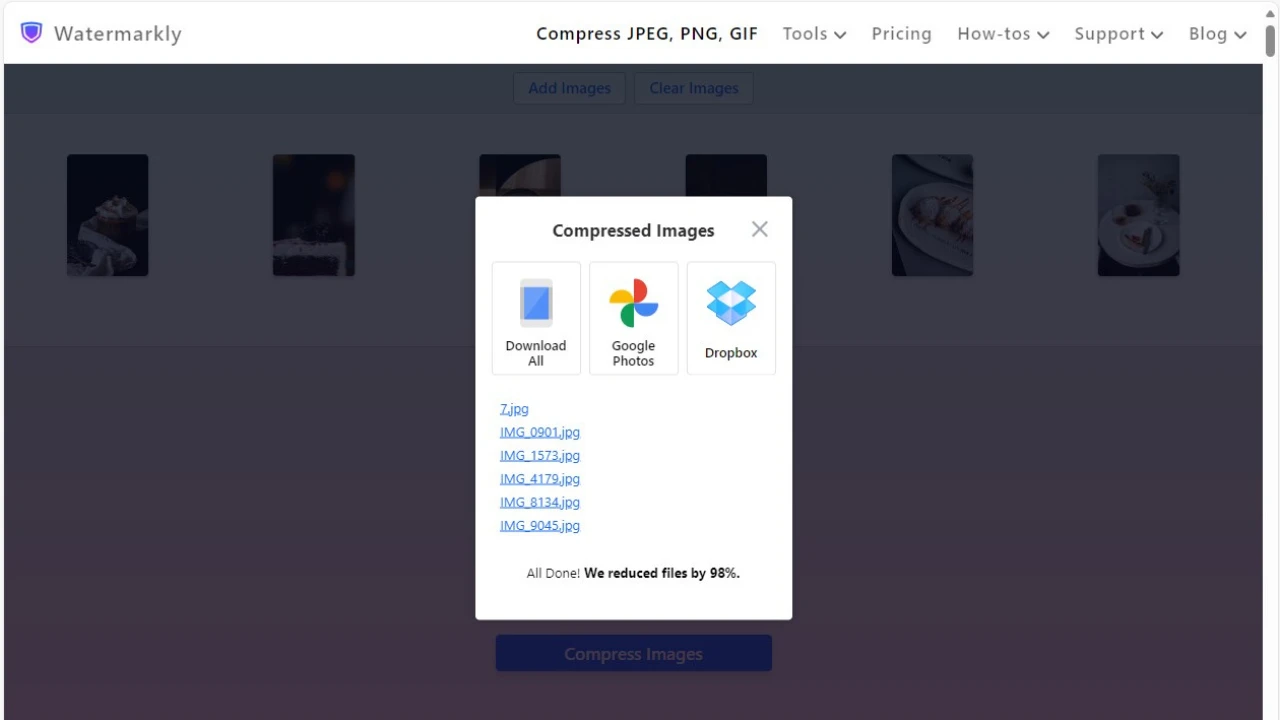
Setelah pemrosesan selesai, Anda dapat mengekspor gambar terkompresi ke perangkat Anda atau mengunggahnya ke salah satu layanan cloud yang didukung – Google Photos atau Dropbox.
Kompres Gambar OnlineApa yang Membuat Watermarkly Menonjol:
- Kompresi sangat cepat, bahkan untuk batch besar.
- Mendukung berbagai format: JPEG, PNG, GIF, WEBP, HEIC, dan BMP.
- Tidak ada iklan yang mengganggu atau biaya tersembunyi.
- Privasi Anda dihormati — semua file diproses secara lokal di browser Anda.
- Memberikan kualitas gambar terbaik dan mempertahankan semua detail penting.
- Termasuk fitur tambahan untuk pengeditan gambar dasar, seperti memotong, watermarking, dan menambahkan teks.