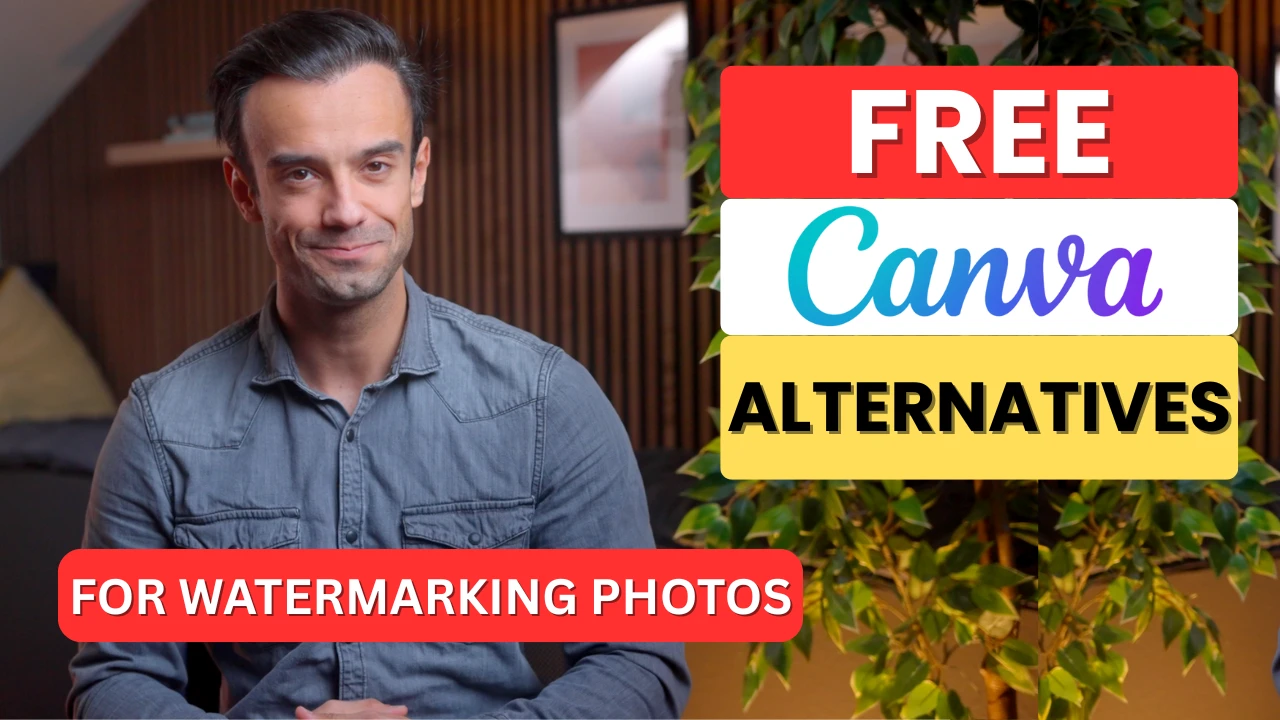
Microsoft Office
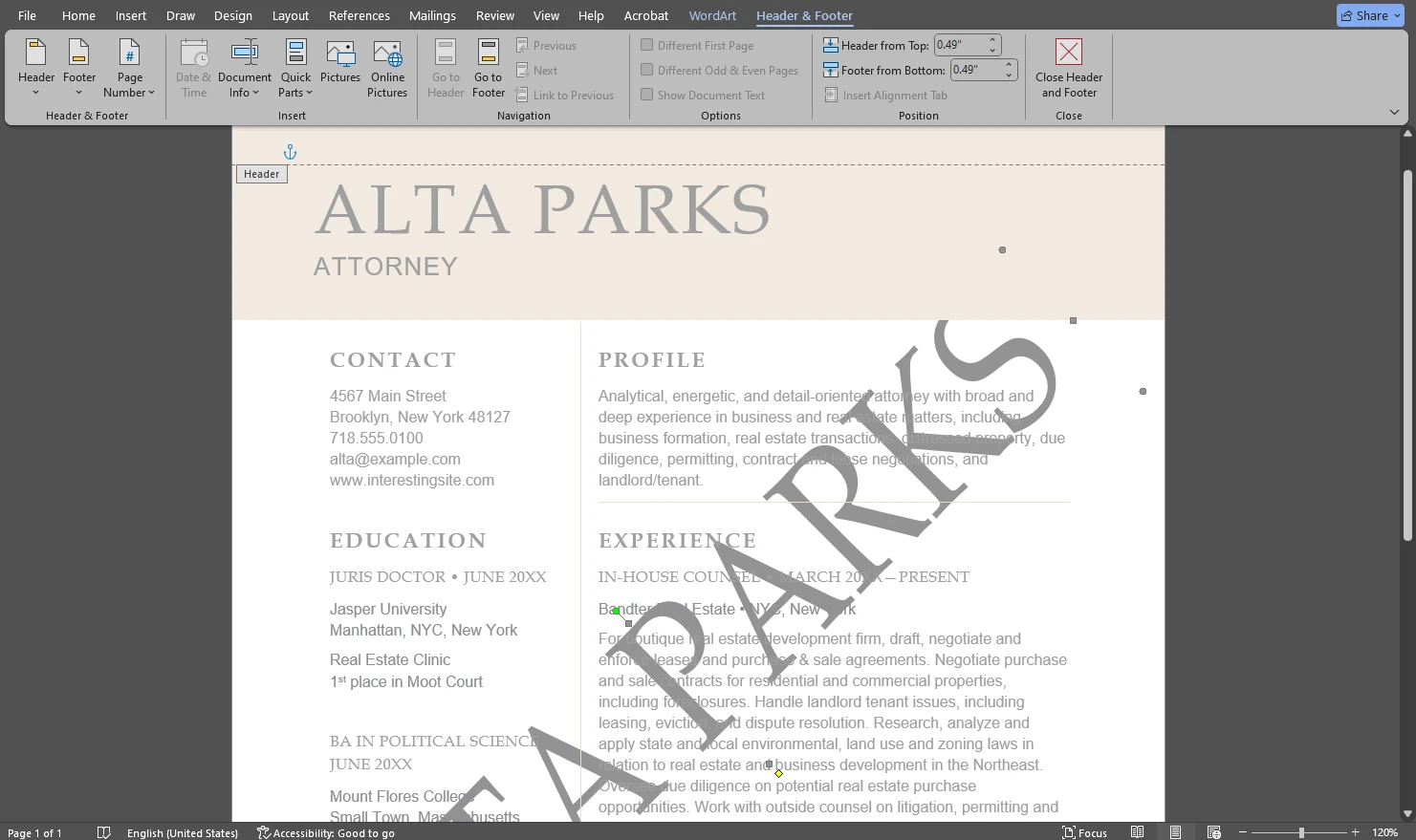
Use these step-by-step tutorials to insert watermarks in Microsoft Office files. They are designed for document and presentation workflows — ideal when you need a “Draft”, “Confidential”, or branded watermark directly inside Office apps.
Design Tools
These guides focus on watermarking inside popular design tools. Use them when you want to create or apply a watermark as part of a visual workflow — especially for graphics, templates, and content prepared for publishing.

Google Workspace
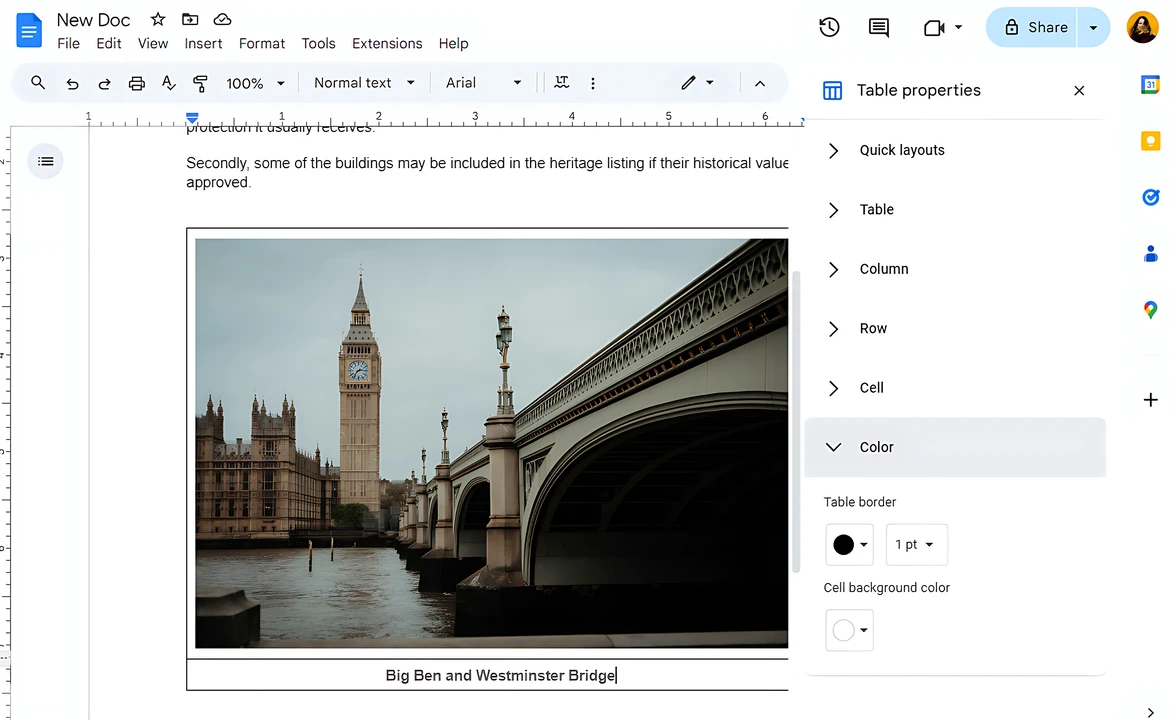
These articles cover watermarking and text overlays in Google Workspace tools. Use them when you need to add a caption or a watermark-like label inside Google Docs or other browser-based editors.
Mobile Guides
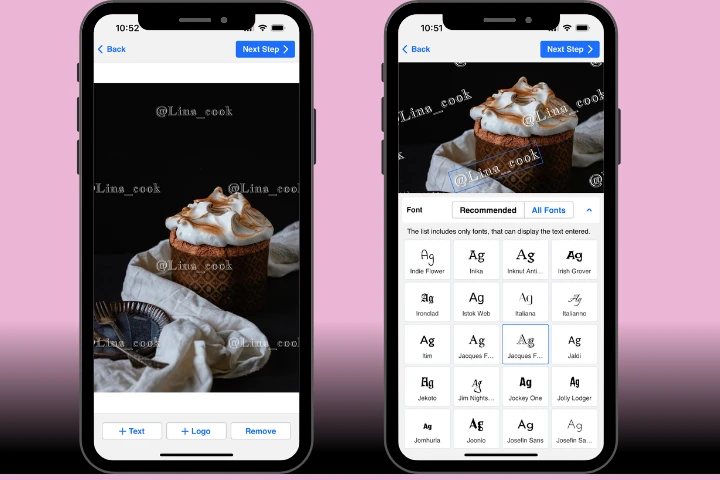
Looking for a mobile-first workflow? These guides show how to watermark photos and add text to a photo directly on your phone. Ideal when you need a quick edit for social media or on-the-go publishing.
Tips & Protection
This section includes practical watermarking ideas and image protection tips. Use these articles to choose a watermark style, make it harder to remove, and protect your visual content more effectively.
- How to Protect Images from 'Remove Watermark' Tools

- 5 Watermark Ideas for Your Visual Content
Video Tutorials
If you’d rather watch the process, explore our YouTube tutorials for step-by-step guidance and practical watermarking tips.