Crop Images
Need to crop an image for design, documents, or social media? These guides show different ways to crop in popular apps. If you want a fast browser-based option, use Crop Photo.
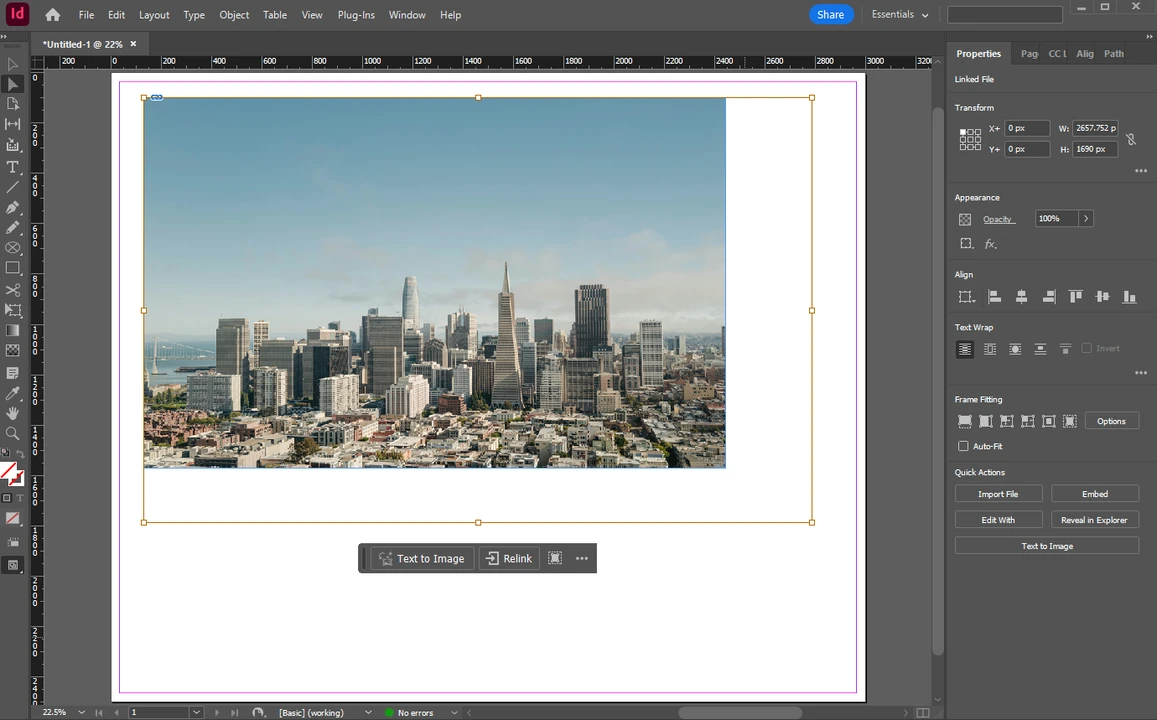
- How to Crop an Image in Adobe InDesign
- How to Crop an Image in Google Slides
- How to Crop a Picture in Word
- How to Crop an Image in Photoshop
- How to Crop in a Circle in Photoshop
- How to Circle Crop in Canva
- How to Сrop a Picture into a Circle in PowerPoint
- How to Make an Image a Circle in Google Slides
- How to Crop a Photo on Mac
- How to Crop an Image in Illustrator
- How to Crop a Screenshot on Mac
- How to Crop a Screenshot on Windows
Resize Images
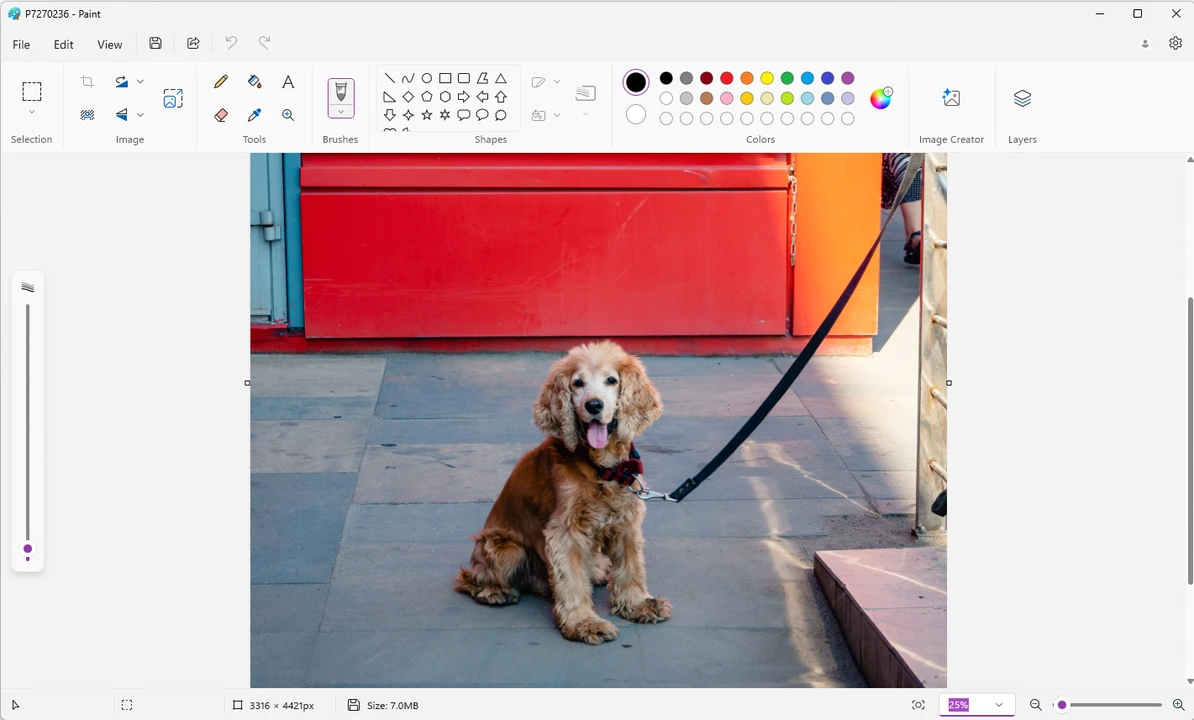
Resizing is best when you need exact dimensions without changing composition. These tutorials explain resizing in common apps. For quick resizing online, use Resize Image.
Compress Images
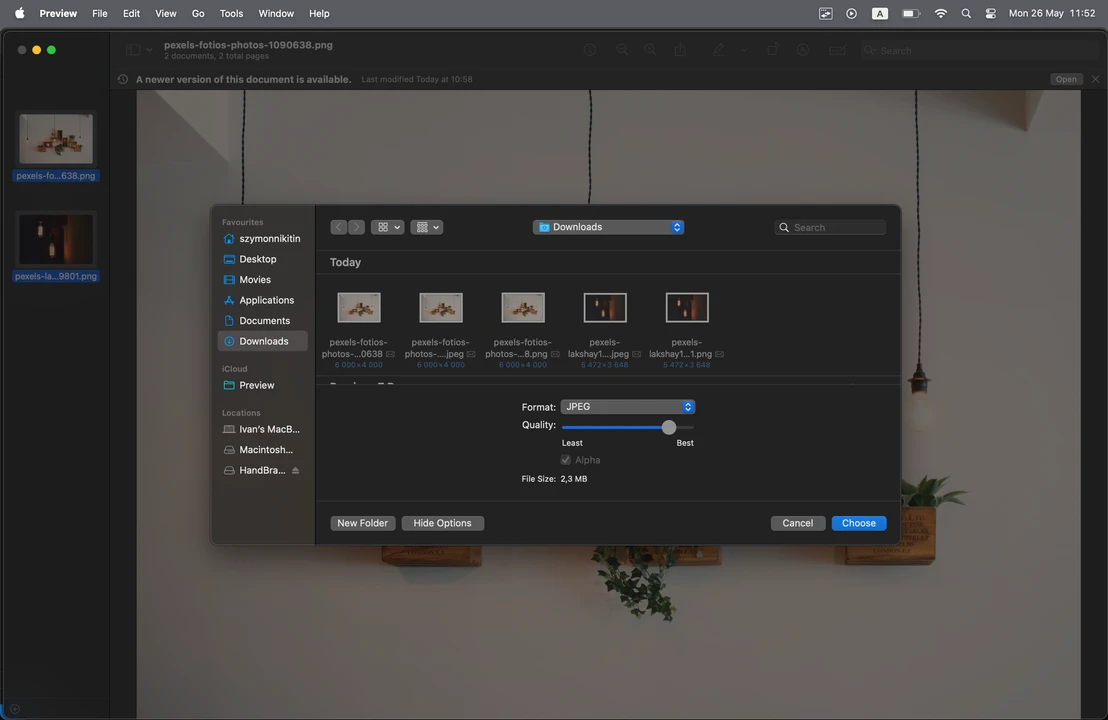
Use these guides when you need to reduce file size for email, websites, or platform limits. For a quick online compressor with batch support, try Compress Image.
Blur Images
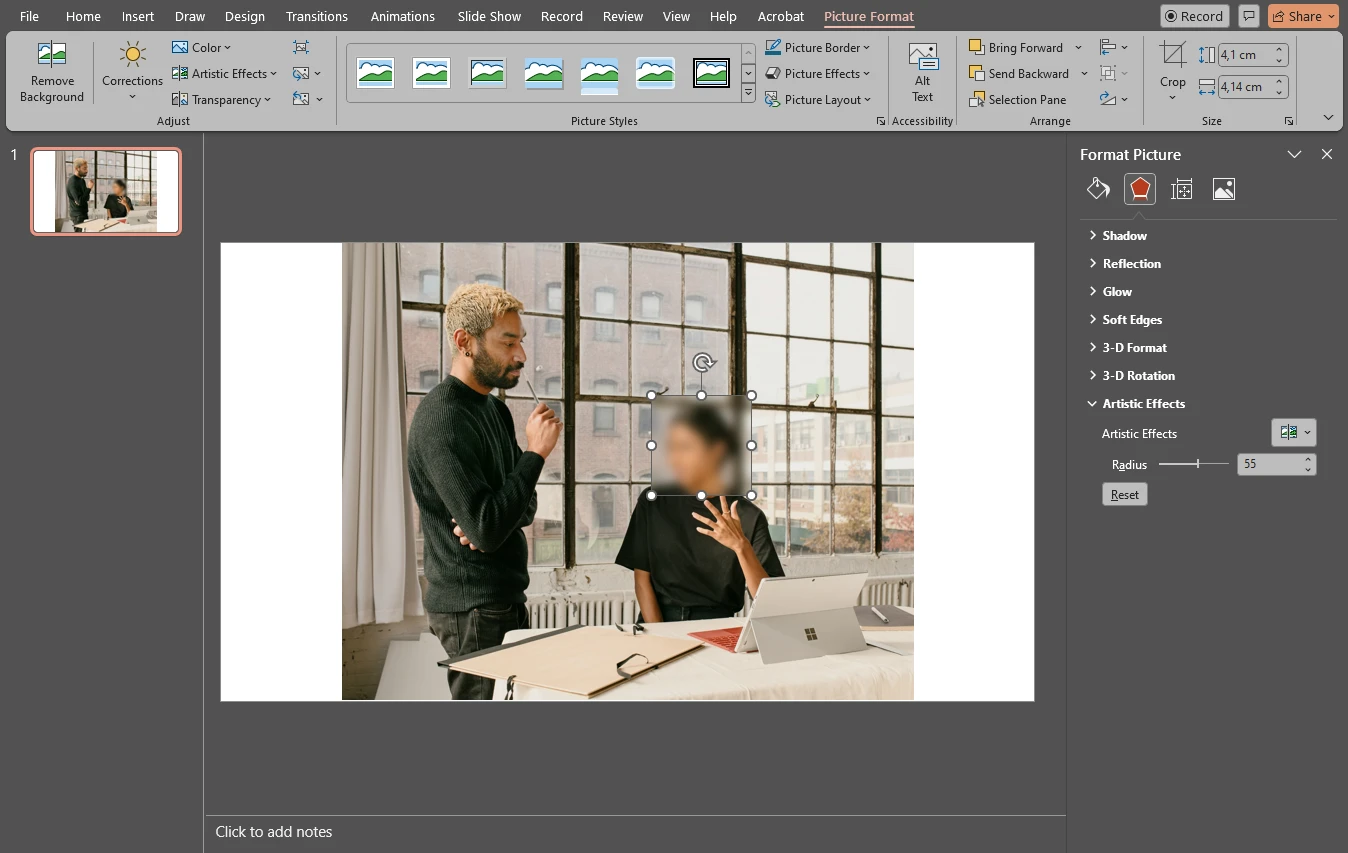
Blurring helps protect privacy and hide sensitive details. These articles cover blur workflows in editing apps. If you need a fast browser-based option, use Blur Faces.
Mobile Guides
These mobile guides focus on photo editing workflows on iPhone and other mobile devices — quick fixes, practical tools, and step-by-step tutorials.
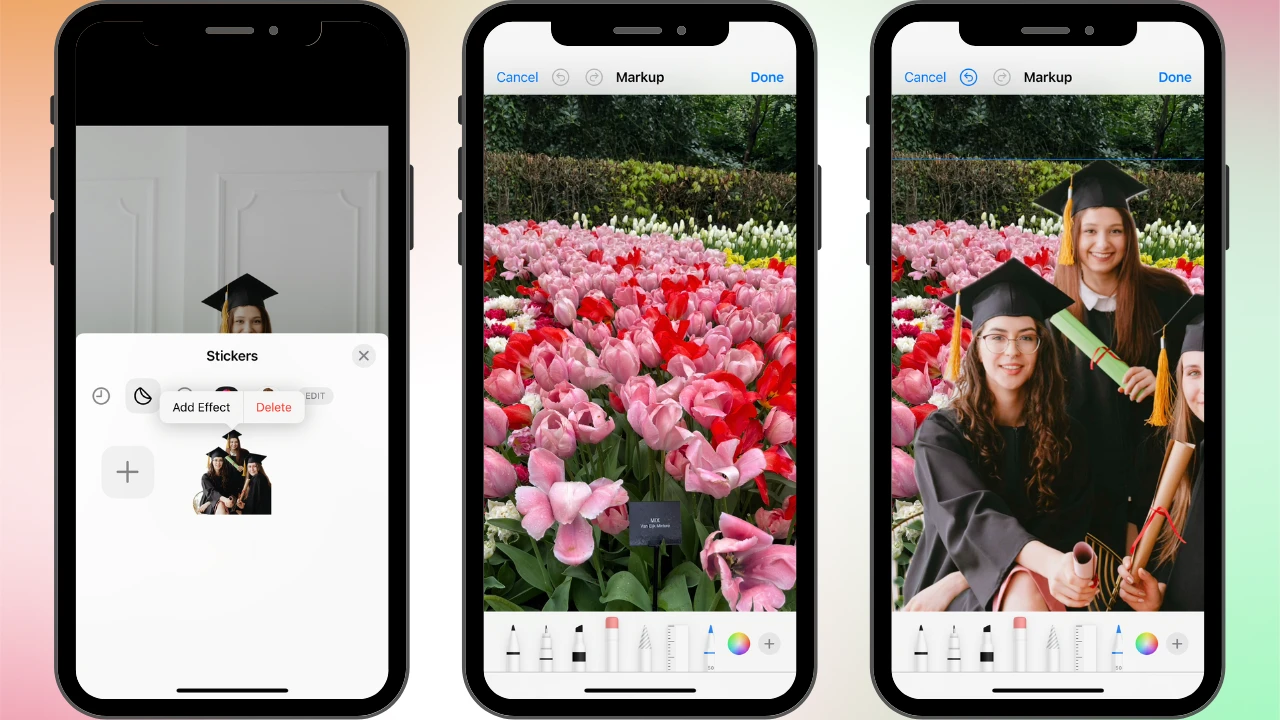
Image Quality
This section covers common image quality issues and ways to improve results—upscaling, preserving detail during resizing, and avoiding quality loss when exporting or sharing. If you need a quick browser-based option, try our Upscale Image tool.
File Formats & Conversion
Not sure which file format to use or need to convert an image for sharing? These guides explain common formats and when to use them, plus how conversion affects quality and file size. If you need a quick browser-based option, use our Convert to JPG tool.
AI photo editing tools
Want simple edits powered by AI? This section covers beginner-friendly apps that can speed up common photo editing tasks.