In today’s digital world, images are an essential part of communication, design, and marketing. One of the most widely used image formats is PNG, which is known for its high quality, versatility, and lossless compression. If you’ve ever downloaded a logo with a transparent background or saved a screenshot on your computer, you’ve likely come across a PNG file. But what does PNG stand for?
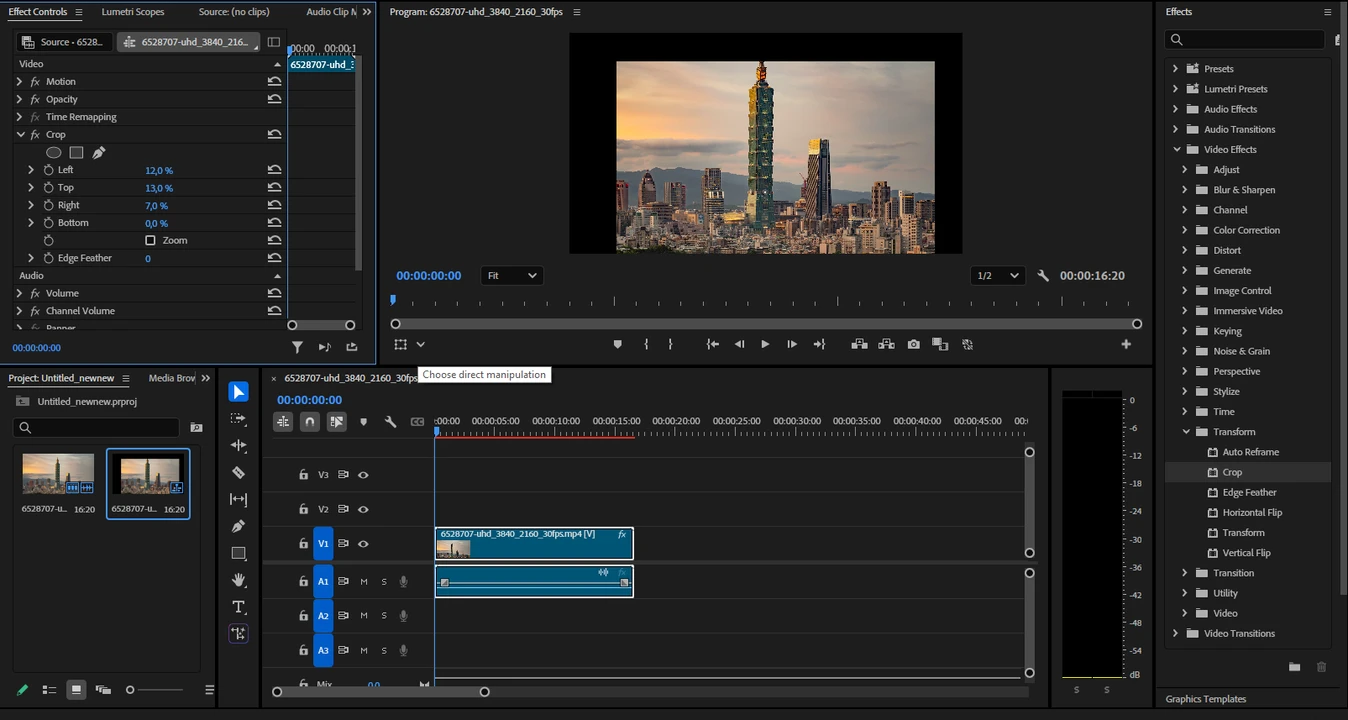
Cropping is one of the easiest, yet most effective editing techniques that every content creator, a social media enthusiast, or someone who wants their videos to look cleaner and more polished needs to master. It can really make a world of a difference! It allows you to remove unwanted parts of the frame, focus on the main subject, fix the overall composition, and adapt one and the same video for different platforms.
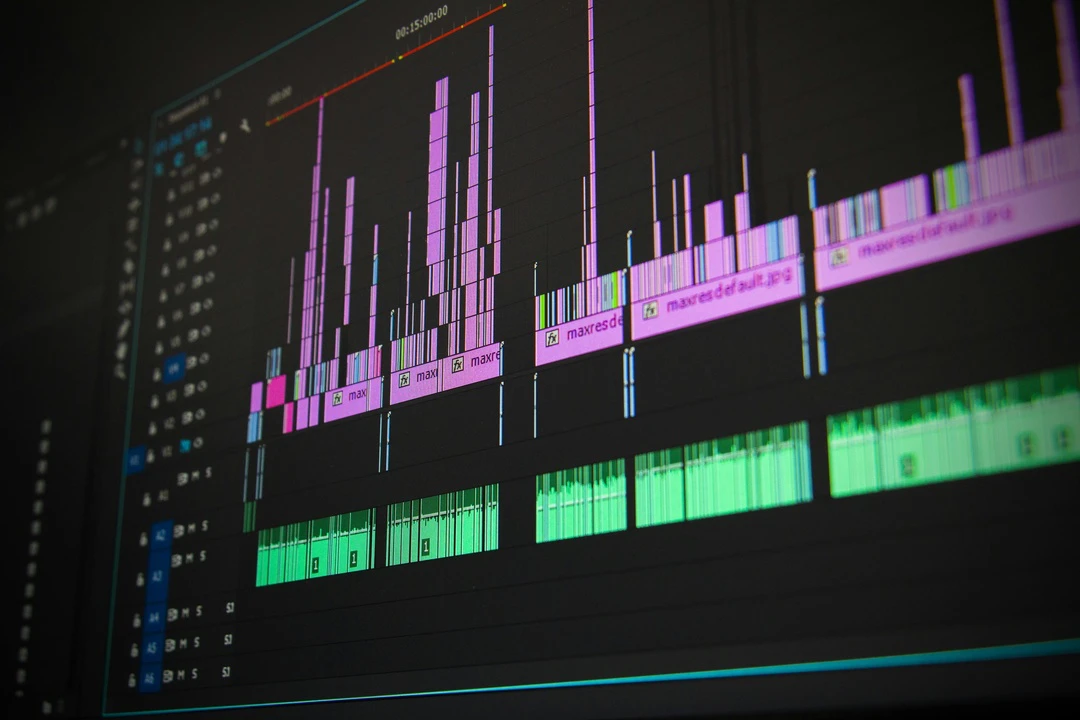
Large-sized files can be a real hassle. It’s a challenge to share them via email or upload to social media. And you can run out of your storage space pretty quickly because of them. Fortunately, there’s a way to make a video file smaller without sacrificing too much quality. Actually, there are multiple ways. And you don’t have to be a video editor or tech wizard to do it!
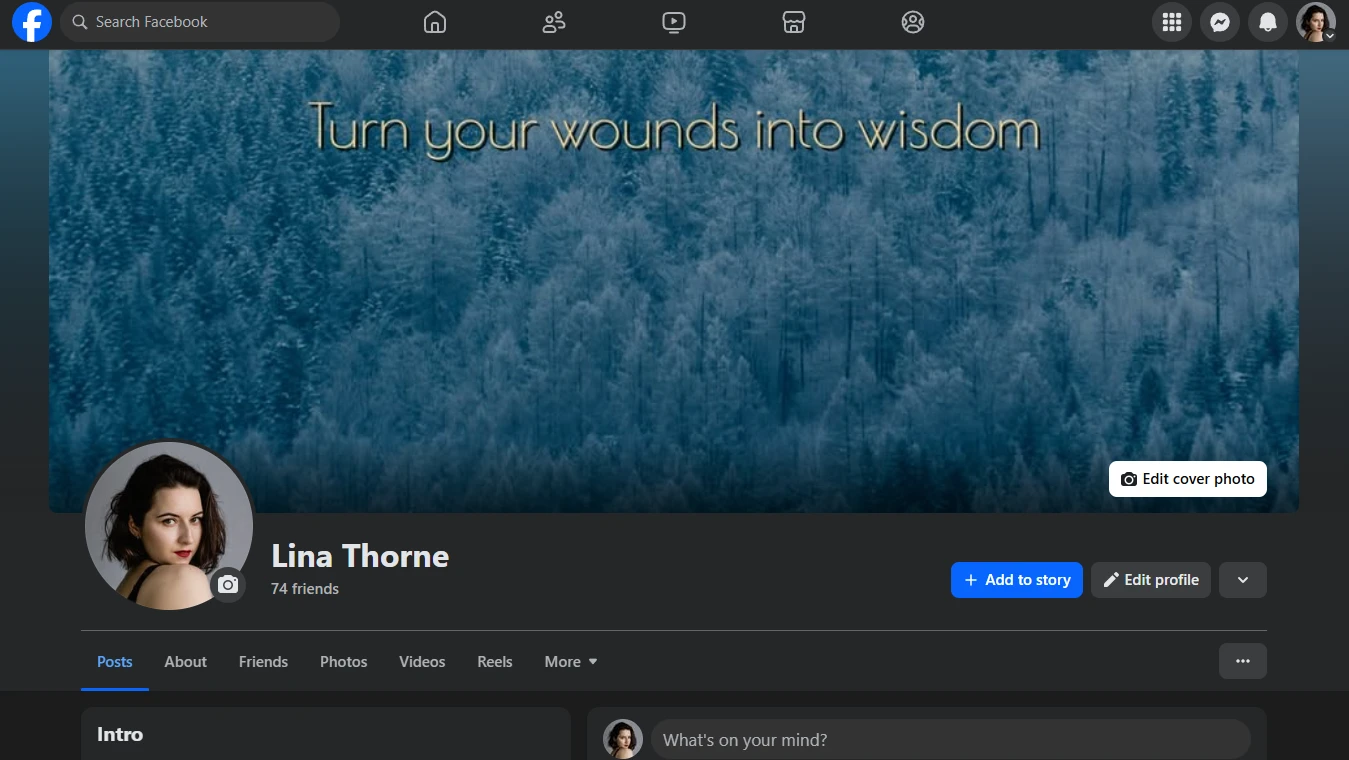
Your Facebook cover photo is usually one of the first things people notice. And you can use it to your advantage. Imagine visiting a Facebook profile with a breathtaking mountain photo as a banner. It’s beautiful. But it doesn’t say much. Now, imagine the same banner with the words: “The climb is hard, but the view is worth it.” Just a handful of words, yet they turned a simple image into a moving story.
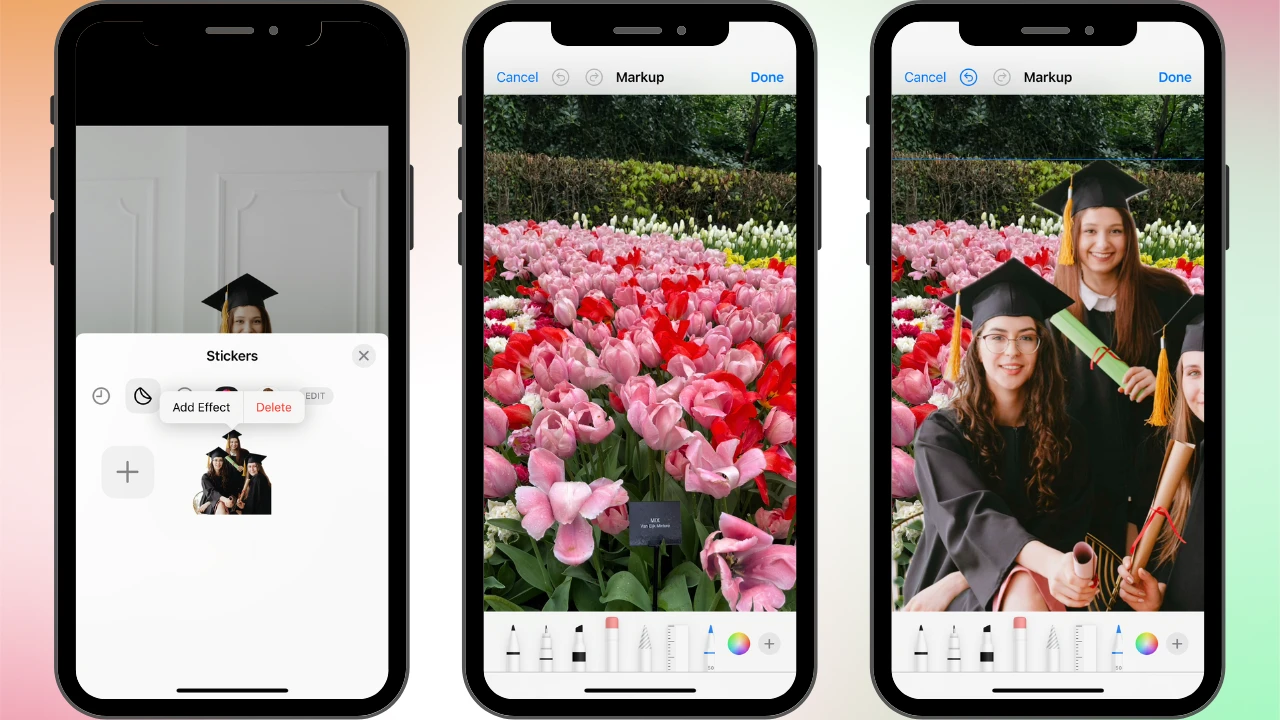
Changing the background of a picture on your iPhone can really transform an ordinary photo into something extraordinary. This can be extremely useful for removing distractions, creating stunning visuals for social media, or even making professional-looking promotional materials. Fortunately for iPhone users, this task can be pretty easy.
 Lina Thorne • Updated · Posted in Photo Editing