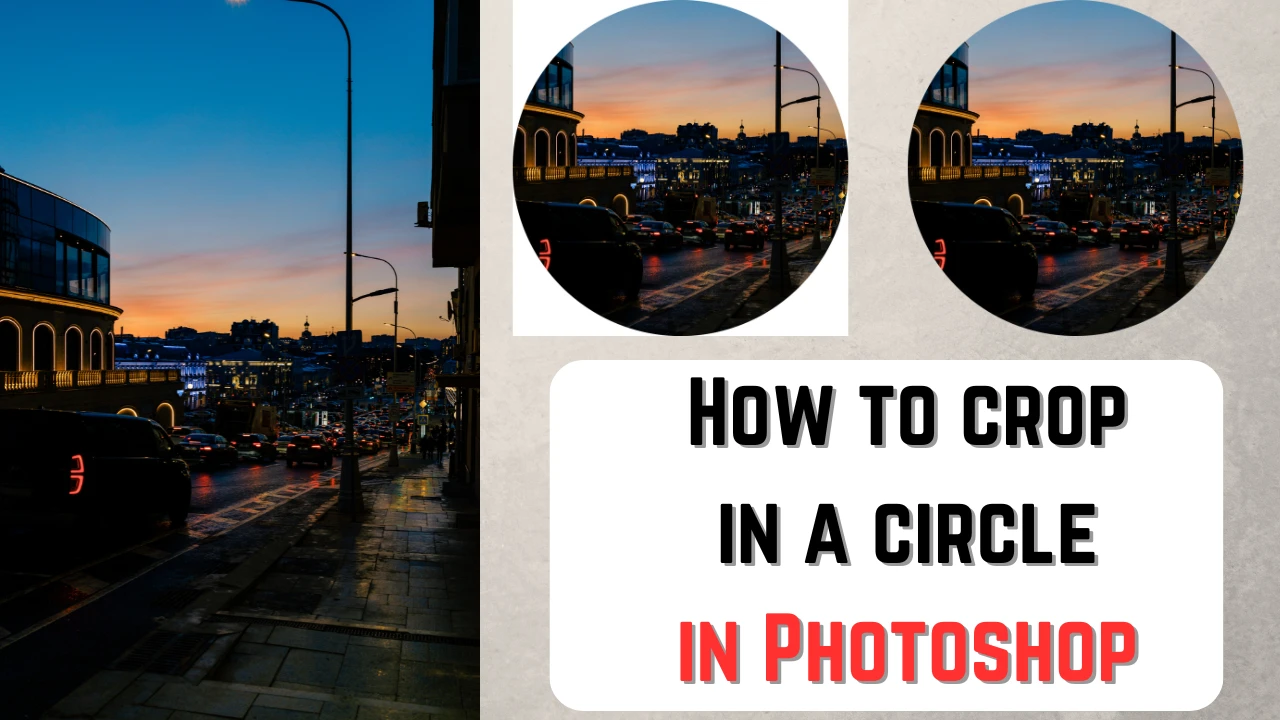
In most cases, digital images tend to be rectangular. But it doesn’t mean that you can’t experiment with shapes. You’ve probably come across some circular images on the Internet, haven’t you? Maybe you’ve seen them on a website. It could’ve been someone’s profile picture. Have you ever wondered how you can get the same result? Well, you’re in luck! In this article you will learn how to crop an image into a circle in Photoshop.
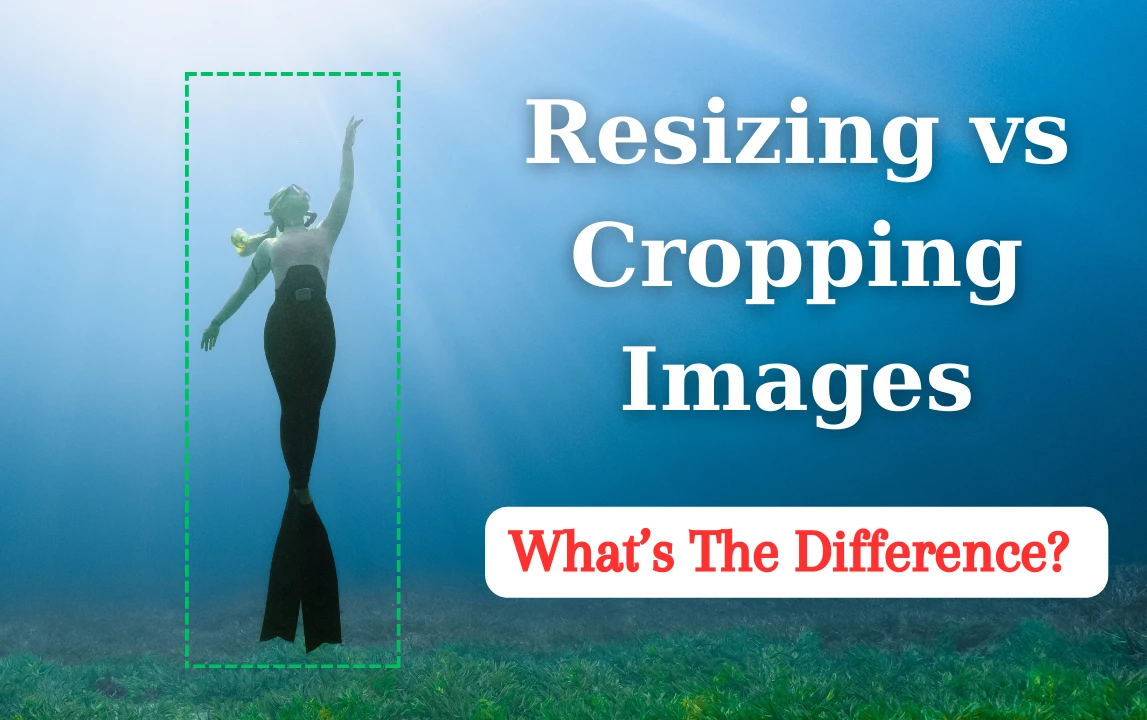
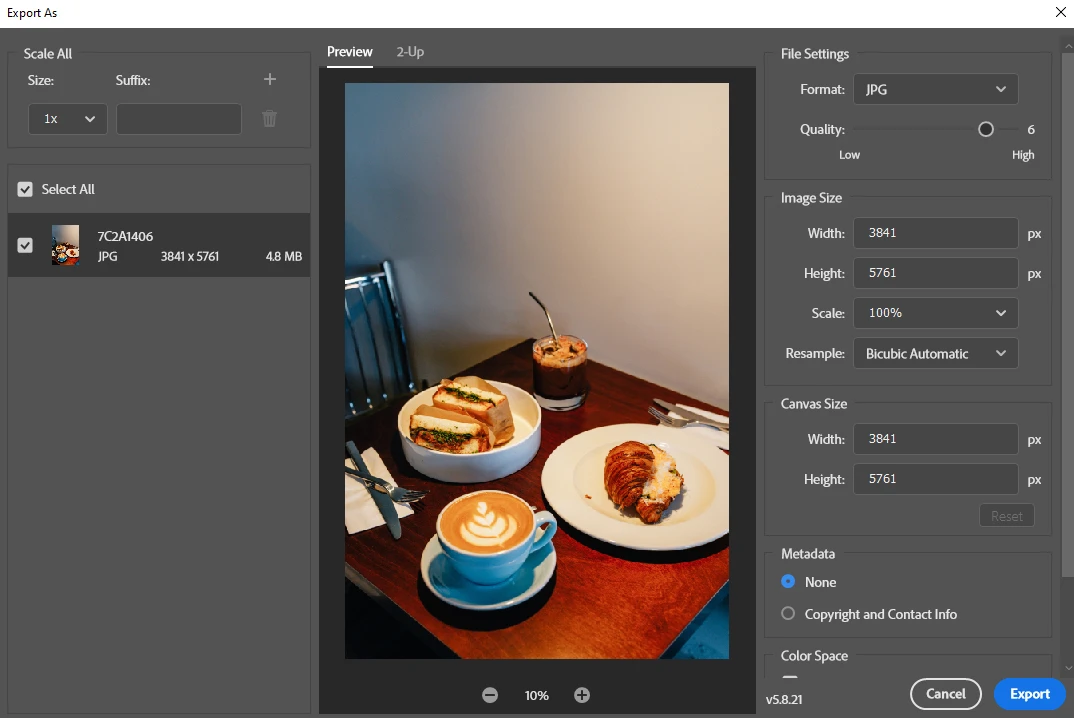
It may be difficult to tell the difference between resizing and cropping. But both of these tools are necessary to master for pretty much anyone who shares images on social media or their website. Why? Because you will inevitably have to use them at some point or another. These two tools are key to preparing your visual content for publishing online or printing. If you don’t know the difference, you might end up with blurry printed out photos or images that have such a big file size that they barely load on your website; even if your visitors have a fast internet connection. If you want to get better at image editing, you’ll need to learn what it means to resize an image and what it means to crop it. The better you understand this, the better results you’ll get.
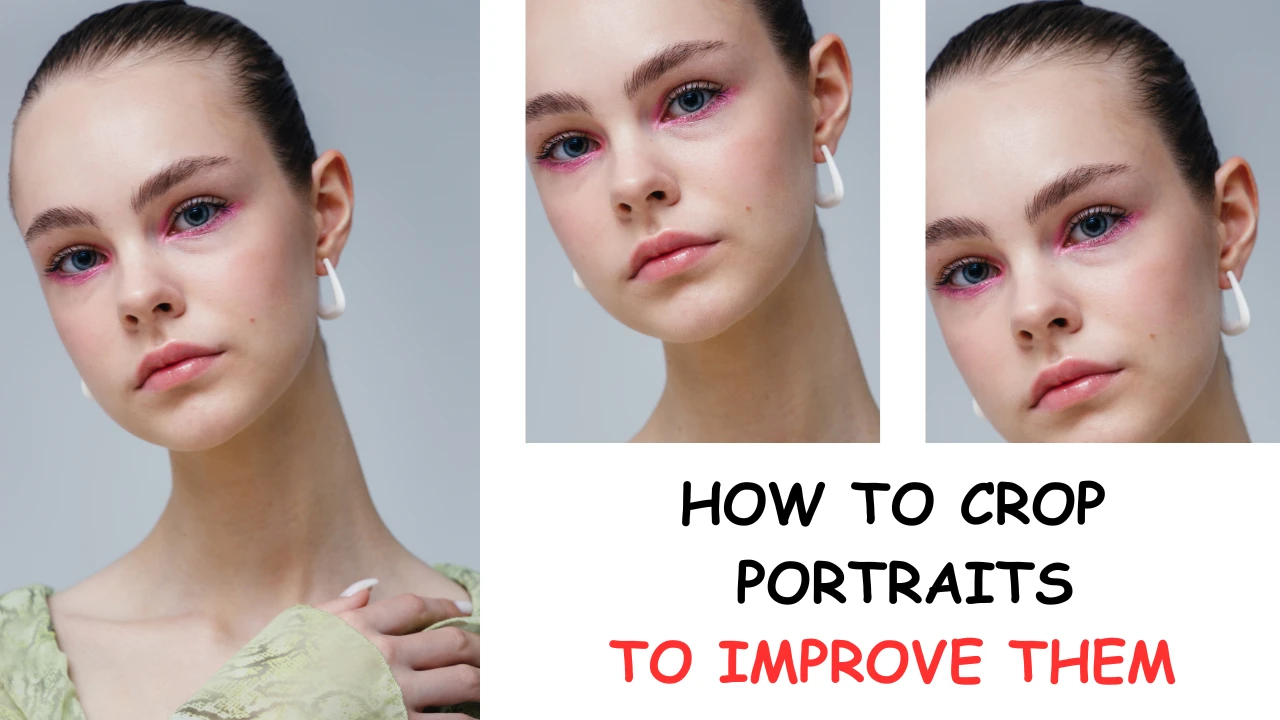
Some portrait photographers often overlook the importance of image cropping. Surely, such things as makeup, hair, clothing, facial expression of your subject, the surroundings and the light are also important. Each of these elements play its own key role in the overall shot. However, cropping is quite a powerful tool that you can use to improve your images dramatically. Cropping is easy. It can take only a couple of minutes. But if you do it right, you can turn an average photo into a stunning masterpiece.
Photoshop is probably the most well-known and versatile image-editing software nowadays. It offers a mind-blowingly wide range of tools and features – from basic to advanced; including everything you need to crop an image.
To improve the quality, any photo must be edited, regardless of what it was taken with, a professional SLR camera or an old gadget with a poor camera. Colours are added to the photo, errors are removed or retouched. This is where special photo editing programs called photo editors come in handy. We offer you a wide choice of photo editing apps that can be used by both beginners and professionals.
 Lina Thorne • Updated · Posted in Photo Editing