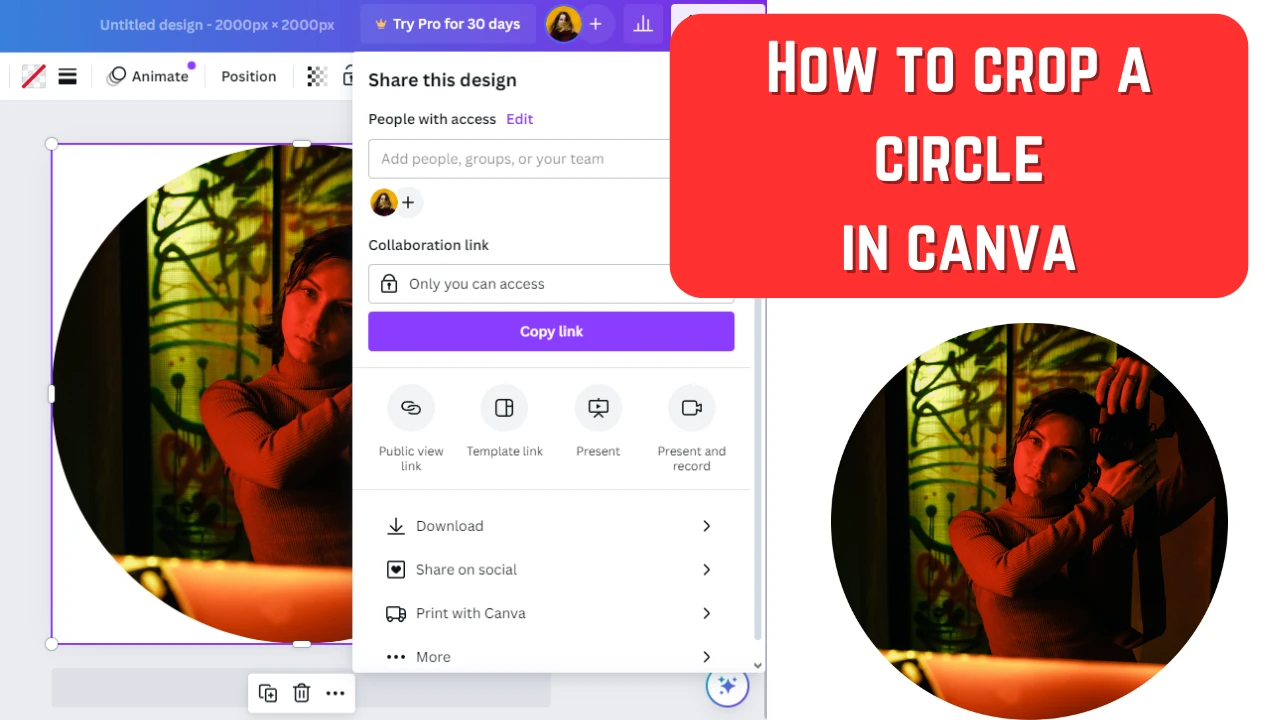
Images are often cropped to improve composition. Generally speaking, only one compositional technique will work perfectly for a circular image – the central composition. It means that you should place your main subject in the center because that’s where the audience will look first. When you crop into a circle, it’s even easier to remove any visual noise and distractions because there won’t be any corners where potential distractions can sneak into.
Documents are often stored and shared in the PDF format because of its benefits. Whatever content you put in it – be it text or different types of images – it will be of excellent quality and look sharp and great. PDFs are also perfect for printing. But most importantly, this format is often chosen precisely because it is secure. It is insanely easy to make any edits in a Word document. PDFs, on the other hand, tend to be quite challenging to edit. In addition to this, it is possible to make your PDF even more secure.
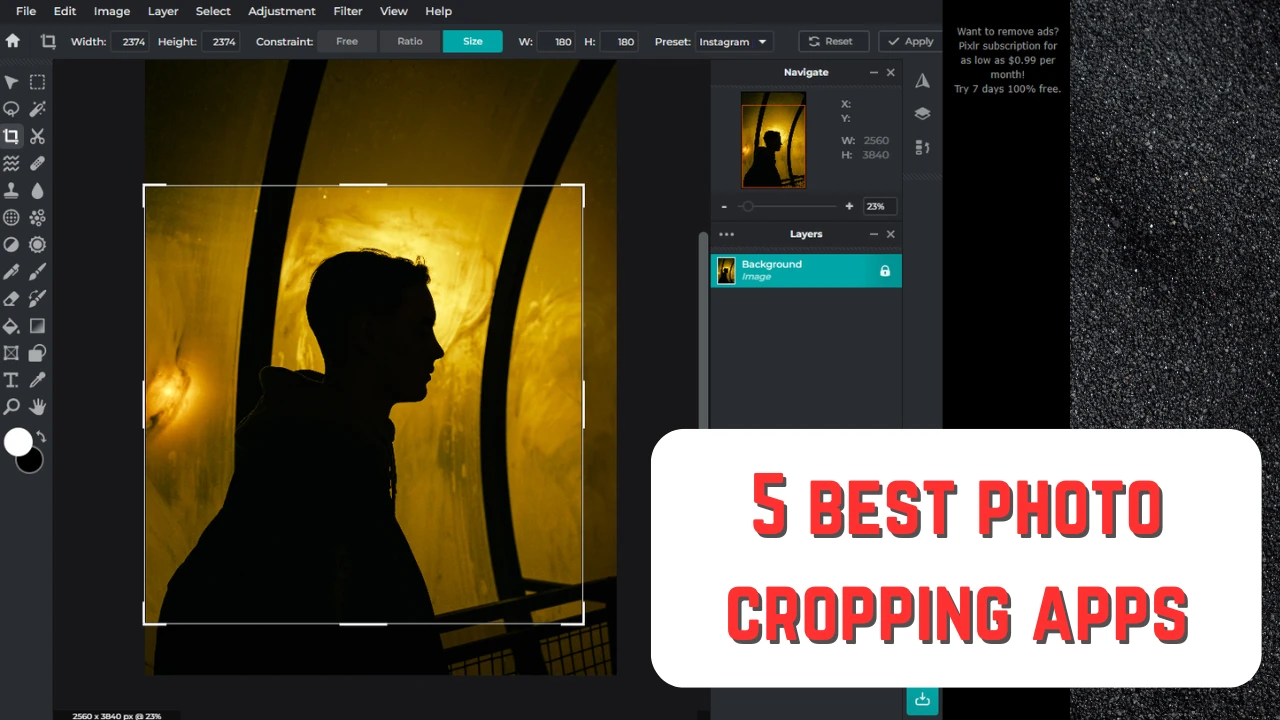
You might be surprised but one of the most popular image editing techniques is cropping. That’s because images need to be cropped for various social media platforms and websites. But aside from this, cropping can be an incredible tool that can help you fix your composition, focus the viewers’ attention on your main subject and make your photo more striking and impactful. To crop an image means to cut away some parts of it. Cropping can help you get rid of distractions or extra empty space that looks more like a mistake than an artistic choice. With the help of cropping, you can change aspect ratio, pixel dimensions and even shape of your image.
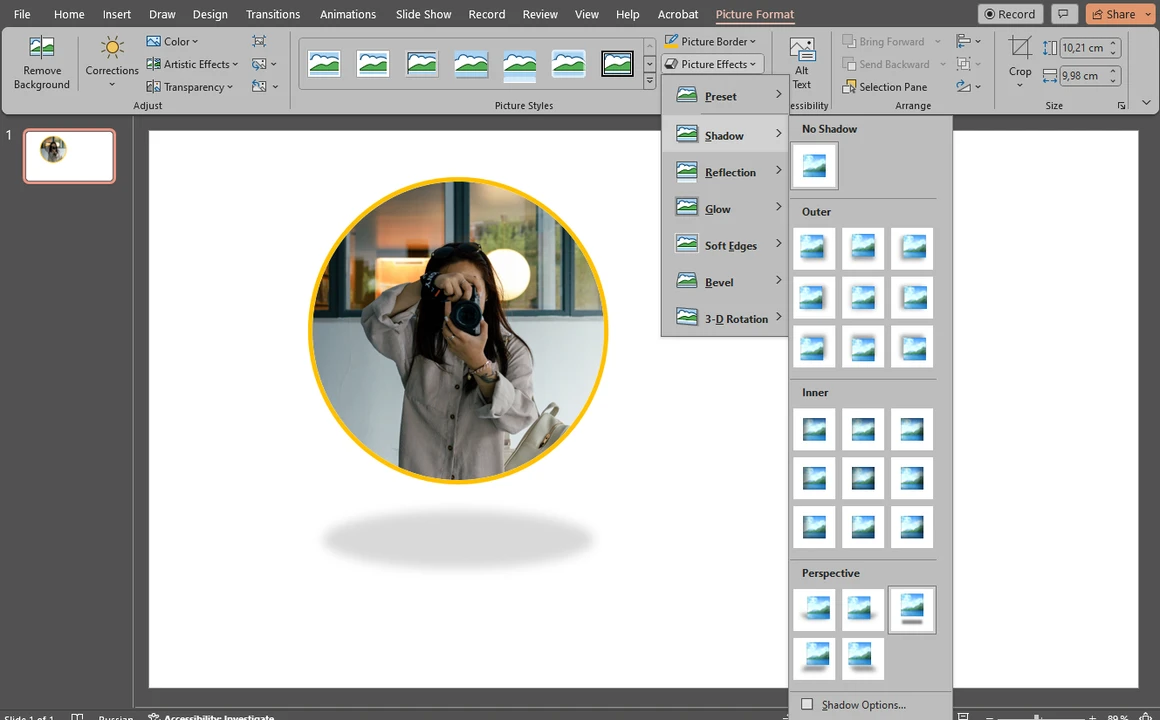
When giving a presentation, you need to keep people’s attention. Your goal is to present your information in an engaging and easily digestible way. Otherwise, people will lose their interest pretty quickly. A great way to achieve this is to include images in your presentation. Visual content is extremely popular these days – it’s widely used in marketing, you see it all over the Internet. This is because it is much easier and quicker for people to perceive information when it’s presented in a visual form.
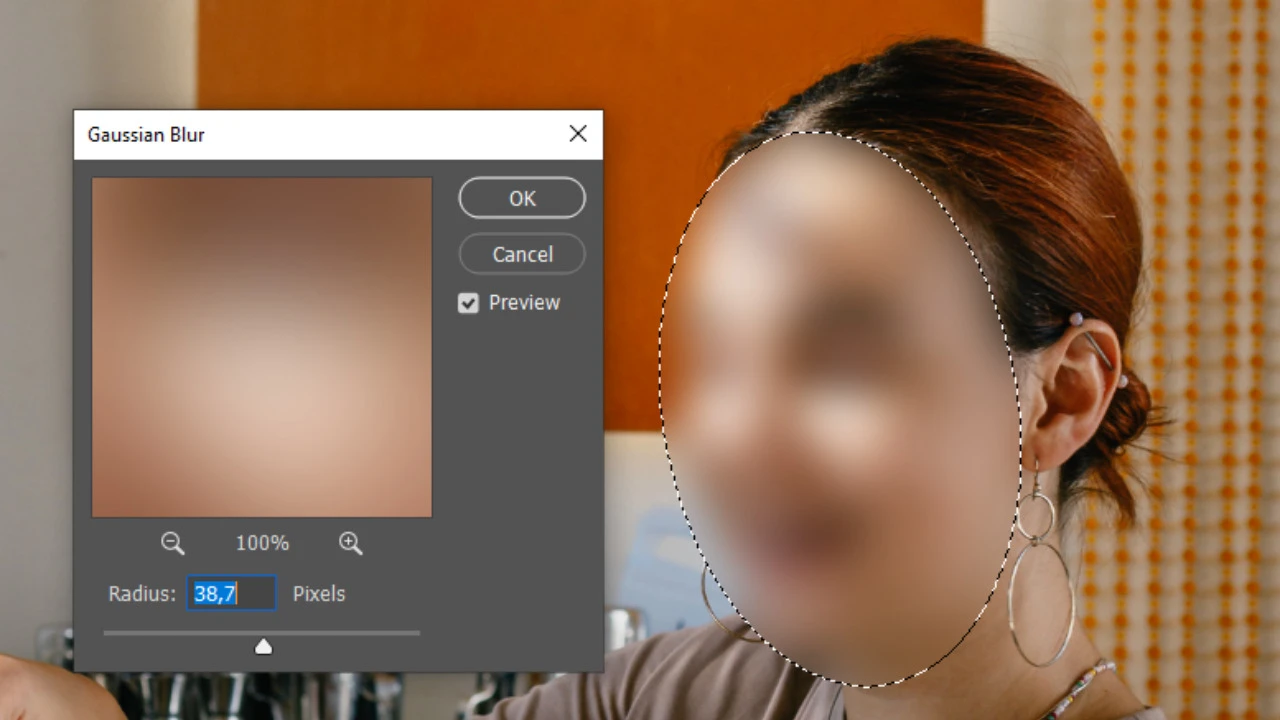
There are a number of reasons why you might want to blur faces in an image. Maybe you took a group photo and want to post it online, but a couple of people aren’t comfortable with you sharing a picture of them. In this kind of situation you have two options – not posting the photo at all or blurring those people’s faces.
 Lina Thorne • Updated · Posted in Photo Editing