These days, if you want to grow on social media, you have no other choice but to post some video content. Not to mention that videos can provide much more context than photos, so you might want to record videos for personal use, as well. Regardless of your goals, you don’t really need to invest into a digital camera, lots of lighting equipment and professional editing software; the latter one can actually be really confusing and demanding.
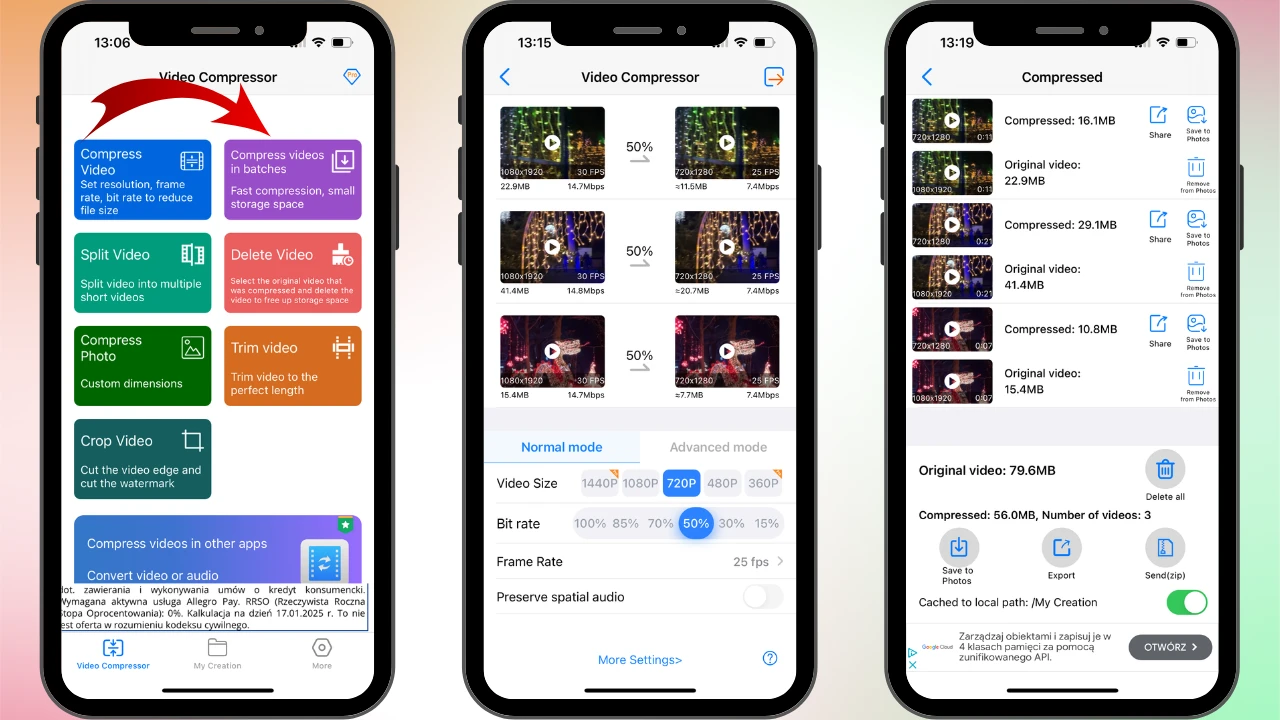
These days, you can easily record high-quality videos using your iPhone. This is great, of course. But the higher the resolution, the larger your file will be. If you keep recording videos in the highest possible quality, you will run out of free memory space pretty quickly. Moreover, if you need to send a large-sized file of high-resolution over an email or a messaging app, you will surely run into some issues.
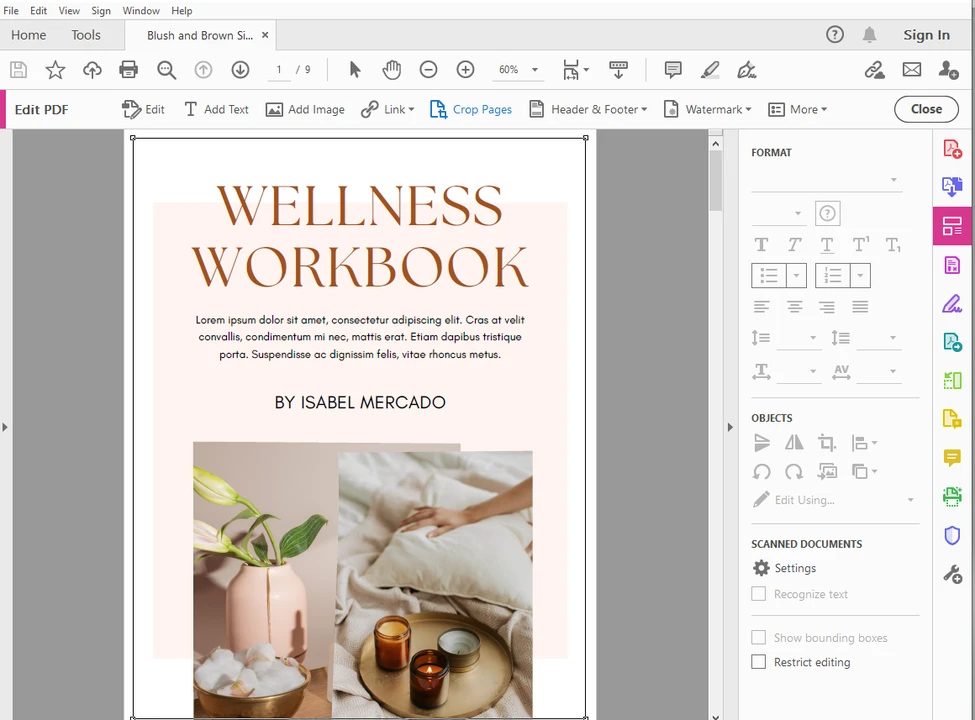
One of the safest and most secure formats for documents is PDF. Files in this format can be easily viewed on practically any device and operating system, yet making changes to them tends to be a bit problematic. Fortunately, cropping a PDF is not particularly hard.
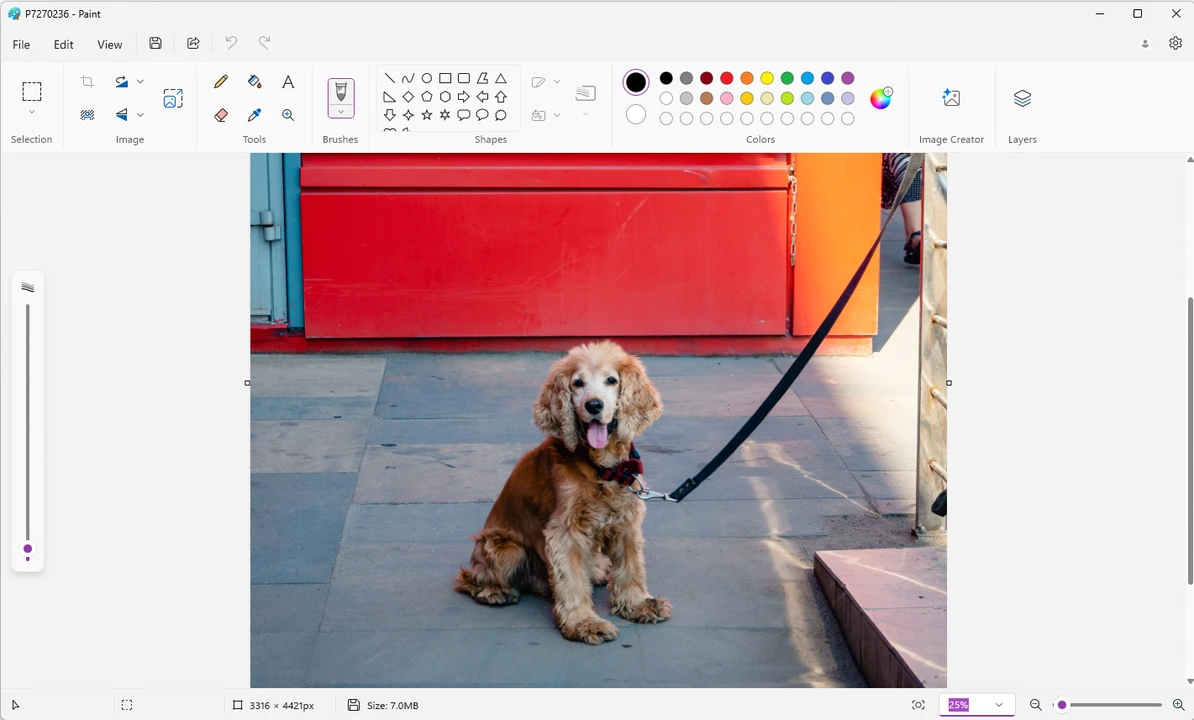
Knowing how to resize images is as important as knowing how to crop them. Why? Well, in most cases, you might need to change the size of your images before sharing them online. Some websites and social media platforms have their own size requirements. If you don’t follow them, your images might not get uploaded or their quality might get noticeably worse.
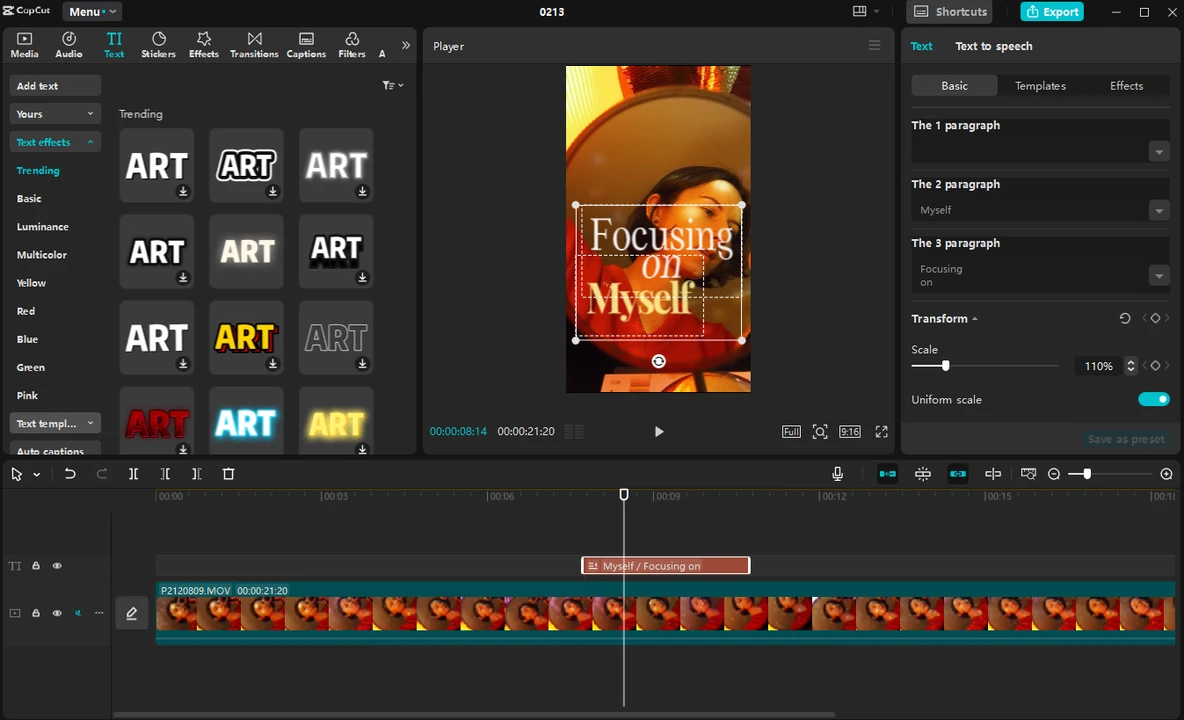
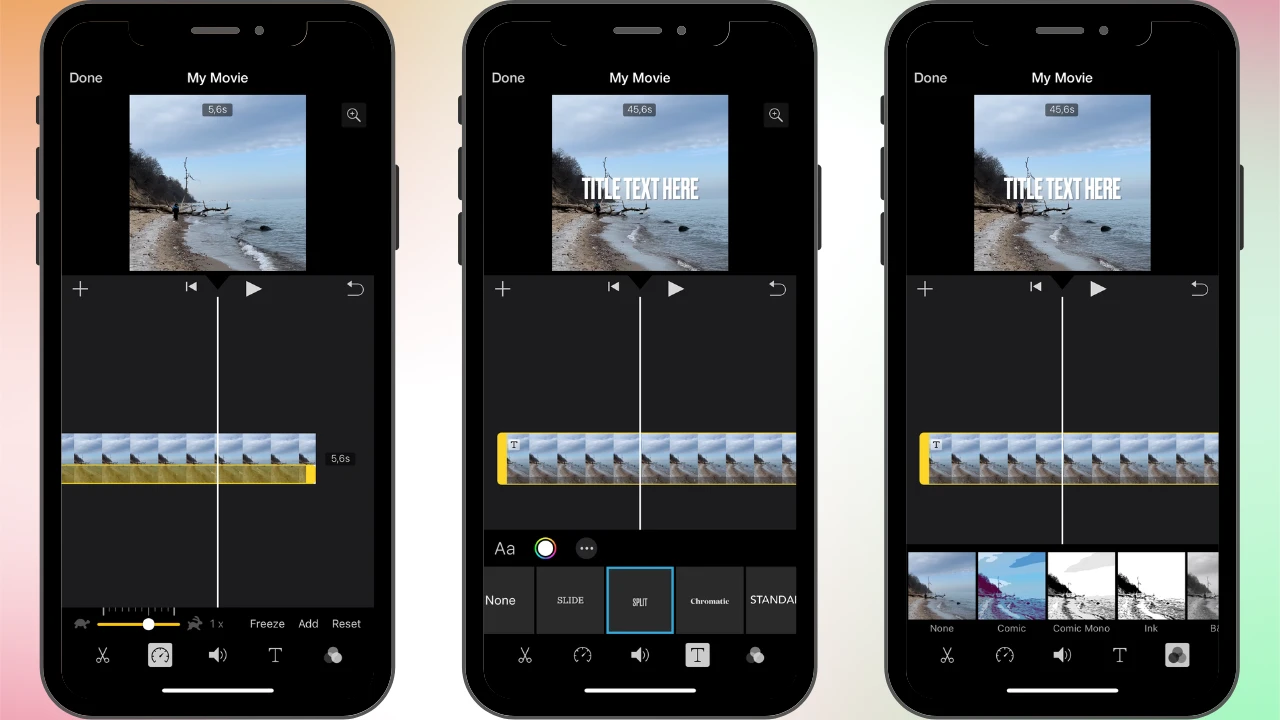
Adding text to your videos can be very beneficial. It can make your content more appealing and accessible to a broader audience. Think of text in a video as an element that can add more clarity, incorporate a little bit of your personality and elevate your content.
 Lina Thorne • Updated · Posted in Video Editing