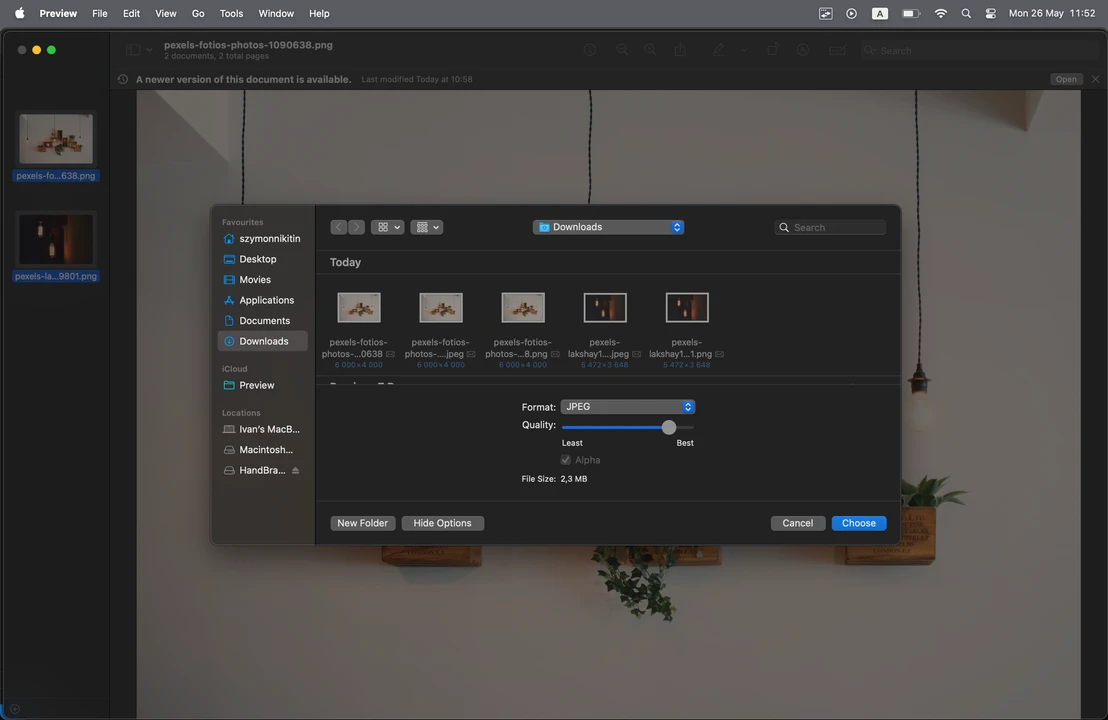
Do you want to know how to compress an image on a Mac quickly and without paying a cent? Luckily, this guide features all the possible ways to do this using the built-in tools. Yep, everything you need is already on your device! No additional downloads or payments are needed. Each method requires only a little bit of time, yet guarantees high-quality compression results.
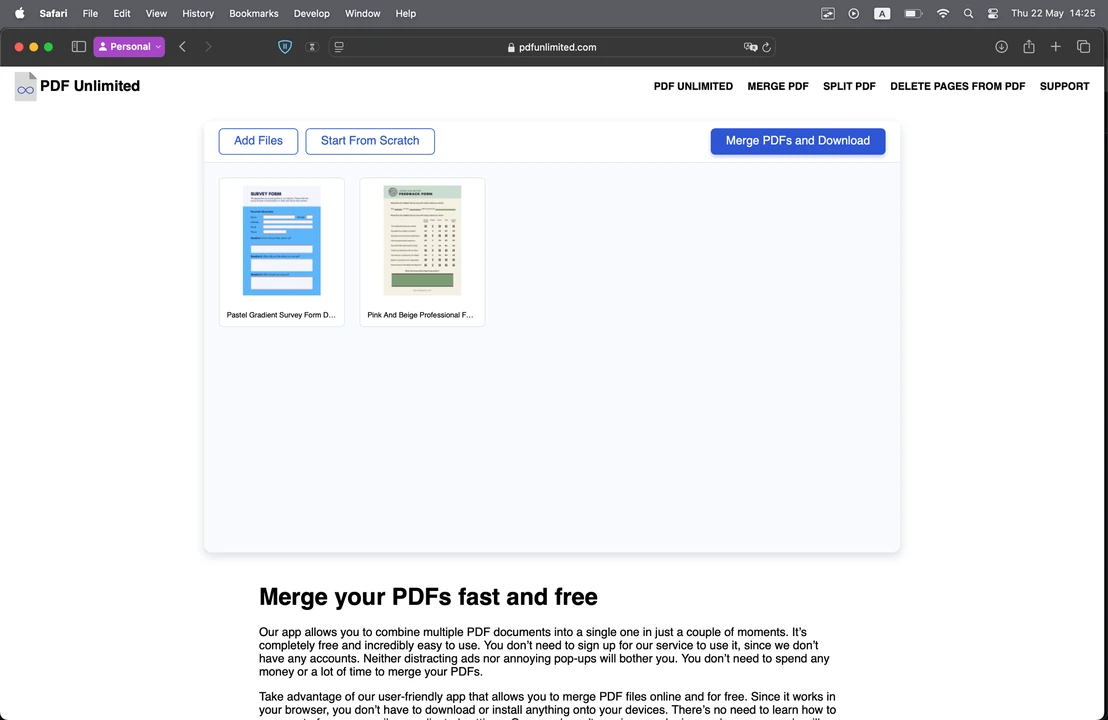
Are you a Mac user and need to combine multiple PDFs into one file? You’re in luck! Because you already have everything you need for this task. You won’t have to download any additional software or pay for third-party apps. Follow the instructions provided in our guide to process your PDFs easily, safely, and without any unnecessary hassle.
Nowadays, messaging apps are extremely popular – it’s not uncommon to use them both for work and chatting with your friends. Nevertheless, some communication still occurs via email, and you might run into a situation where you need to send a video file through email. And that can pose a challenge.
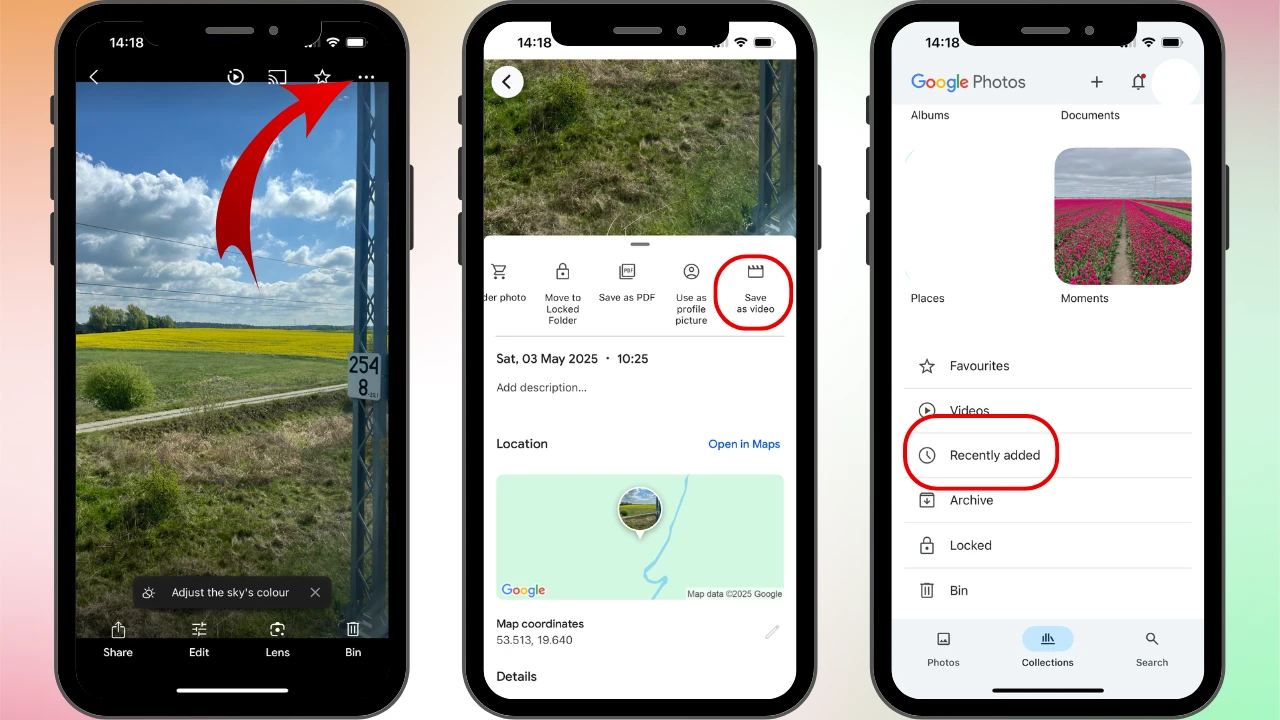
Live Photos is a rather unique feature of an iPhone camera. Once enabled, the Camera app won’t just take a single photo – it will capture some extra frames as well as audio before and after you press the shutter button. As a result, you get a moving image that’s approximately 3 second long. It looks kind of like an animated GIF – or those magical portraits from Harry Potter movies – but with audio.
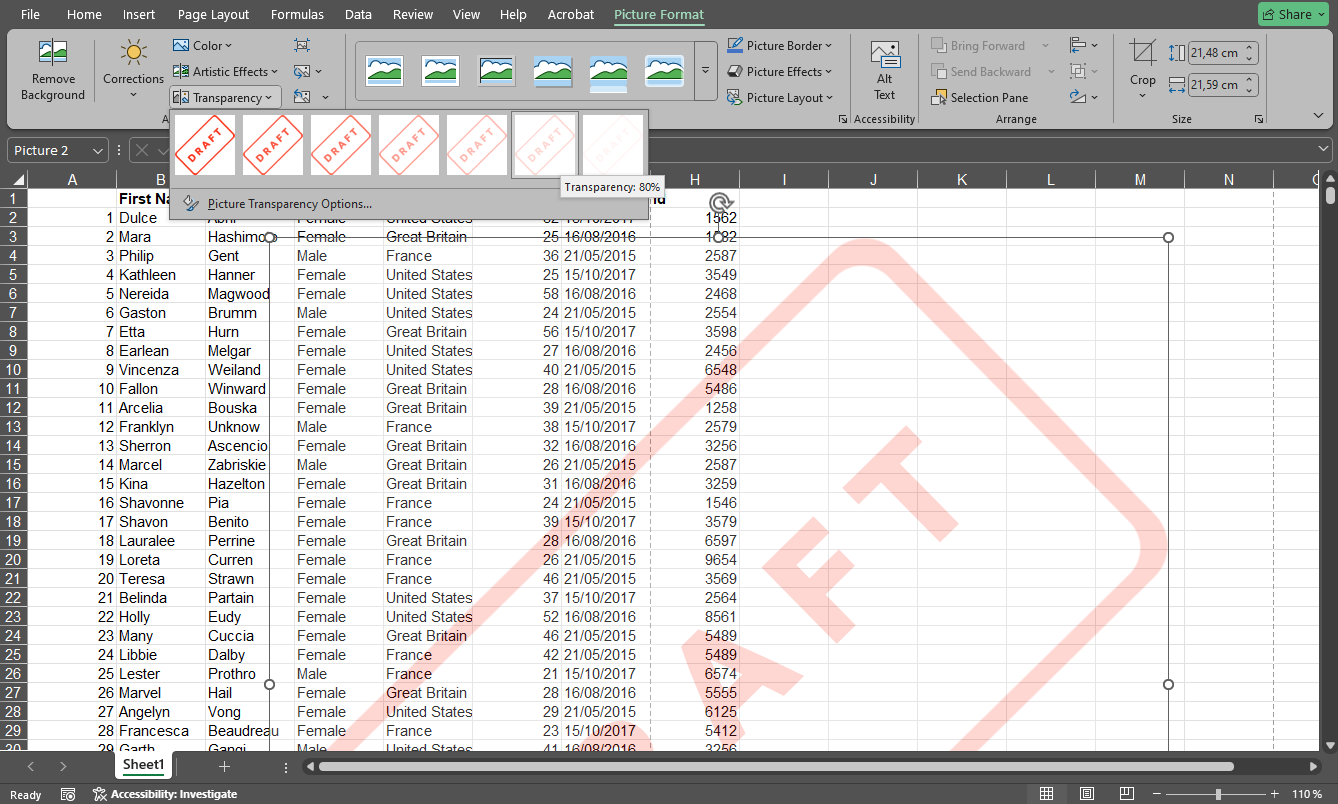
Excel does not have a built-in Watermark button like Microsoft Word, but you can still create the same effect in several simple ways. In this guide, you will learn how to add a watermark in Excel, insert both text and image watermarks, adjust their appearance, and remove them when needed.
 Lina Thorne • Updated · Posted in Photo Editing