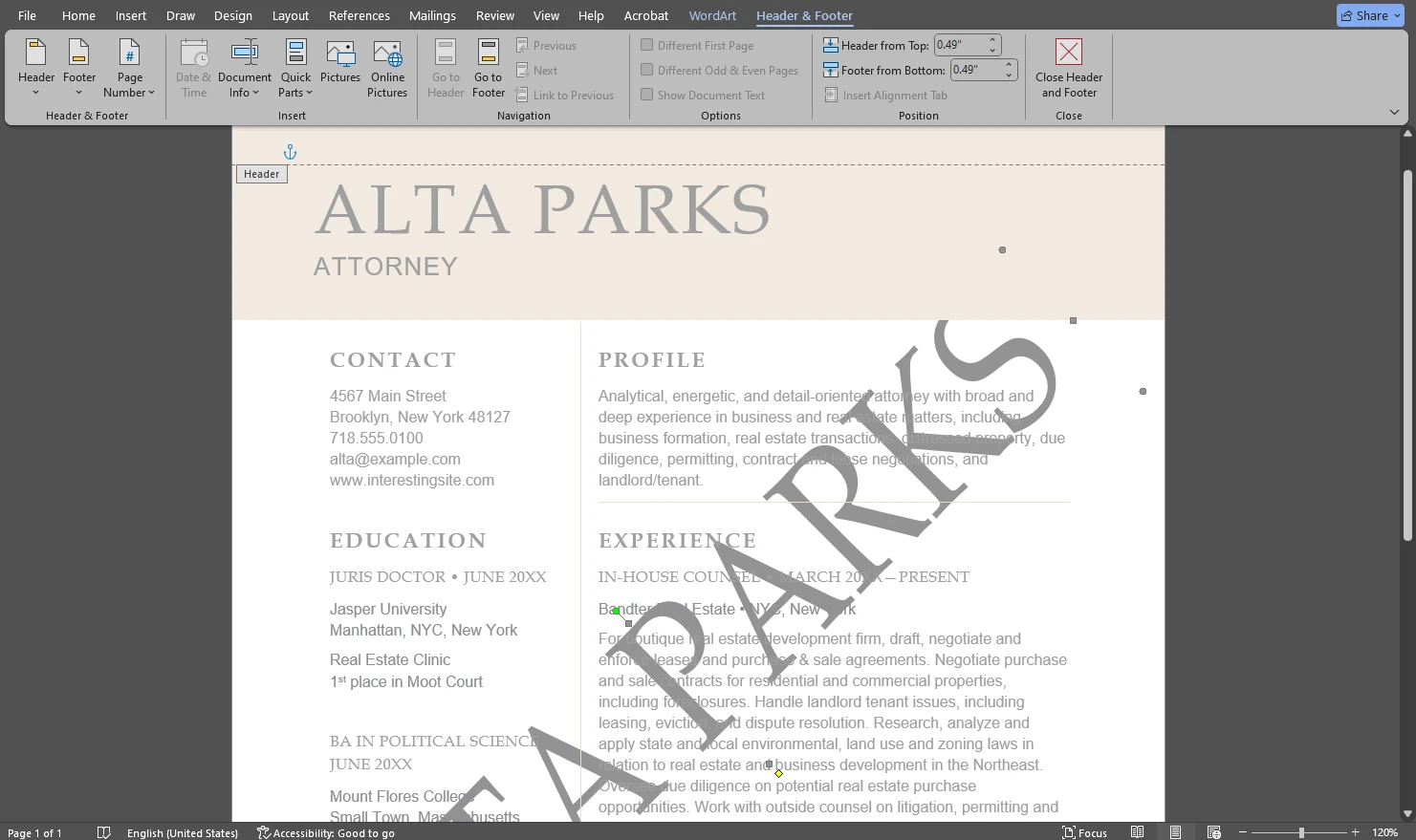
Need to insert a watermark in a Microsoft Word document? Word lets you add a semi-transparent text or picture watermark behind your content so it remains visible without distracting from the text. You can apply a built-in watermark template or create a custom one using your own text or image. The process is quick and works well for common cases like “Draft”, “Confidential”, or branded documents.
An image can say a lot. It can even tell a whole story. But naturally, not every image is capable of that. You need to compose it properly. It should be clear to the audience what the main subject is. And even then, people might see something entirely different from what you originally had in mind. Fortunately, by adding a caption, you can make things much clearer.
Just a few years ago, watermarks were mostly used by photographers and artists. As you may know, the main purpose of watermarks is to protect images from unauthorized use and copyright infringement. But as the popularity of social media platforms and various web services keeps growing, more and more people see the benefits of this tool. These days content creators and business owners, who promote their businesses online, utilize watermarks quite often. It may come as a surprise, but watermarks are more than a security tool.
 Lina Thorne • Updated · Posted in Watermarking Tips