Every day we see a myriad of different photos on websites, blogs, social media platforms or in presentations: people laughing in cafés, hands typing on laptops, nature shots, etc. Believe it or not, but many of those images weren’t created for those specific projects. They are probably stock photos.
Are you new to photography? Then you probably don’t know much about the RAW file format. After all, it’s primarily produced by digital cameras and has a rather limited use. In comparison, the vast majority of images you see online are JPGs. But once you have a better understanding of what a RAW image is, you’ll be able to unlock the full potential of your camera and your creative vision.
Have you ever uploaded a picture to social media only to find it awkwardly cropped, or ordered a beautiful print that came back pixelated and blurry? In most cases, this is due to the fact that you got the photo size wrong. If you think that understanding standard photo sizes is vital only for professional photographers, think again. No matter if you want to print holiday cards or create a post for Instagram, getting the image size right is critical if you want to maintain good quality.
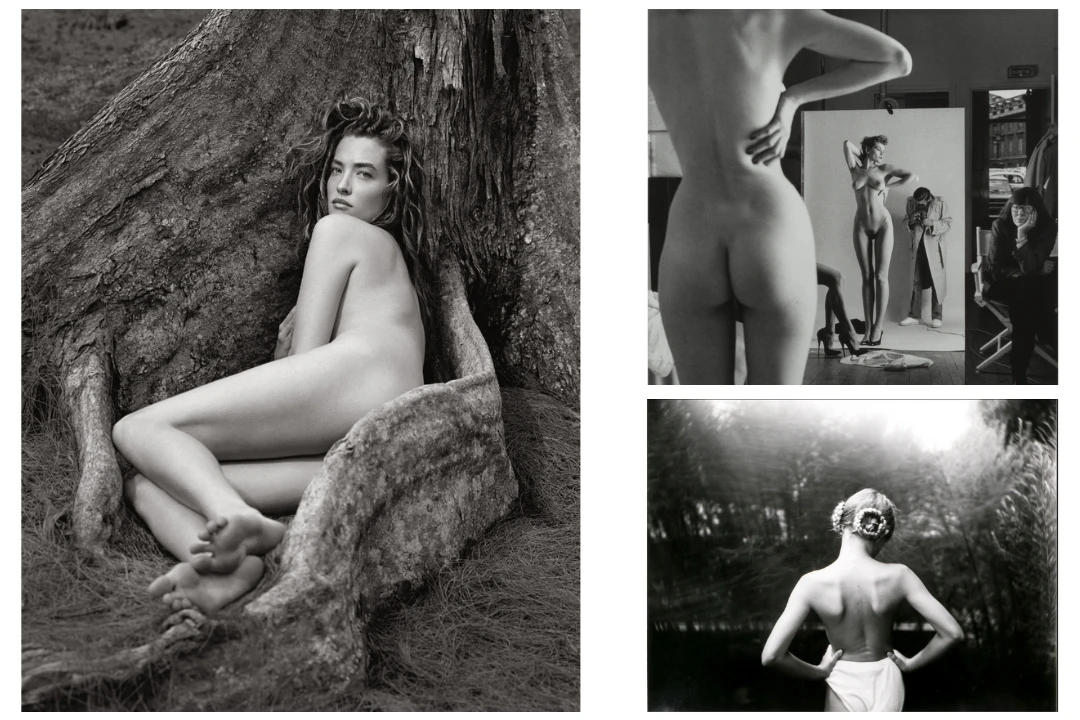
Artists have always been captivated by the human form, even long before the camera was invented. Nude photography occupies a unique place in the world of visual art. It’s about peeling back layers to reveal something deeper and more intimate. It invites a photographer to engage with the body as a subject and raises questions of identity, intimacy, aesthetics, and ethics.
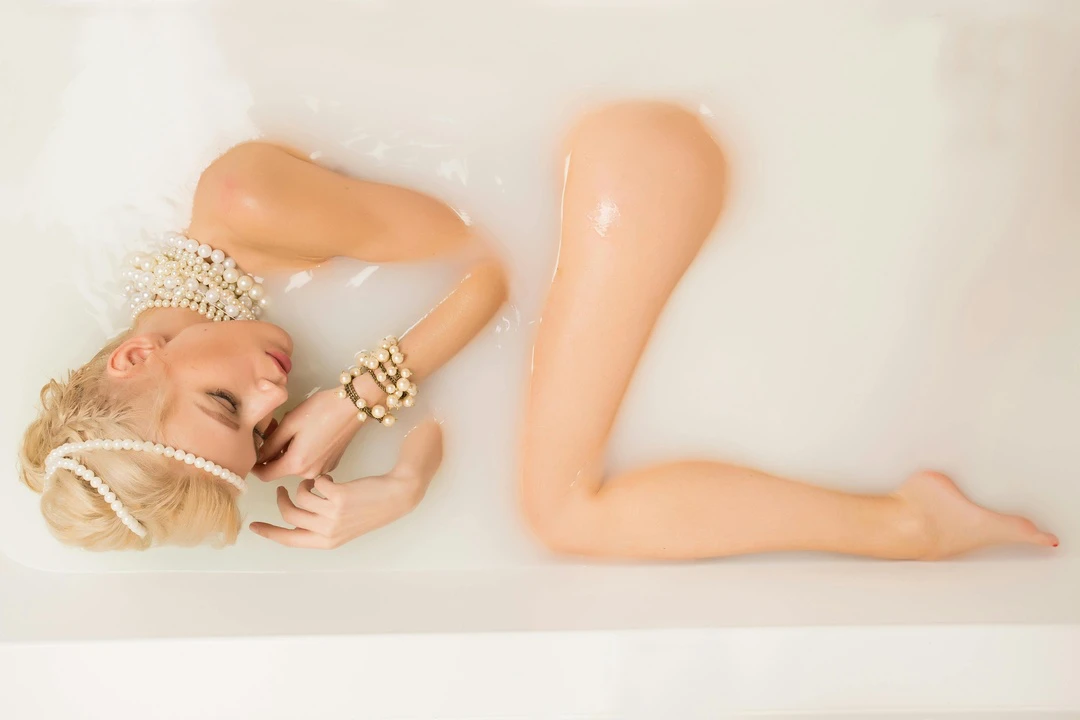
Milk bath photography has become one of the most elegant portrait trends in recent years. It’s popular not only for maternity photography and newborn photos, but also for fashion photography and solo portraits. That’s because the soft, milky water creates a dreamy atmosphere that beautifully highlights the main subject.

 Lina Thorne • Updated · Posted in Photography Tips