If you want your presentation to be engaging and memorable, the majority of your slides should be filled with images. Information that’s presented visually tends to be more easily digestible than text. It’s also remembered better. On top of all that, images can be an efficient way of keeping your audience’s attention. You can even throw in some memes to make people laugh or show only a part of an image first for suspense.
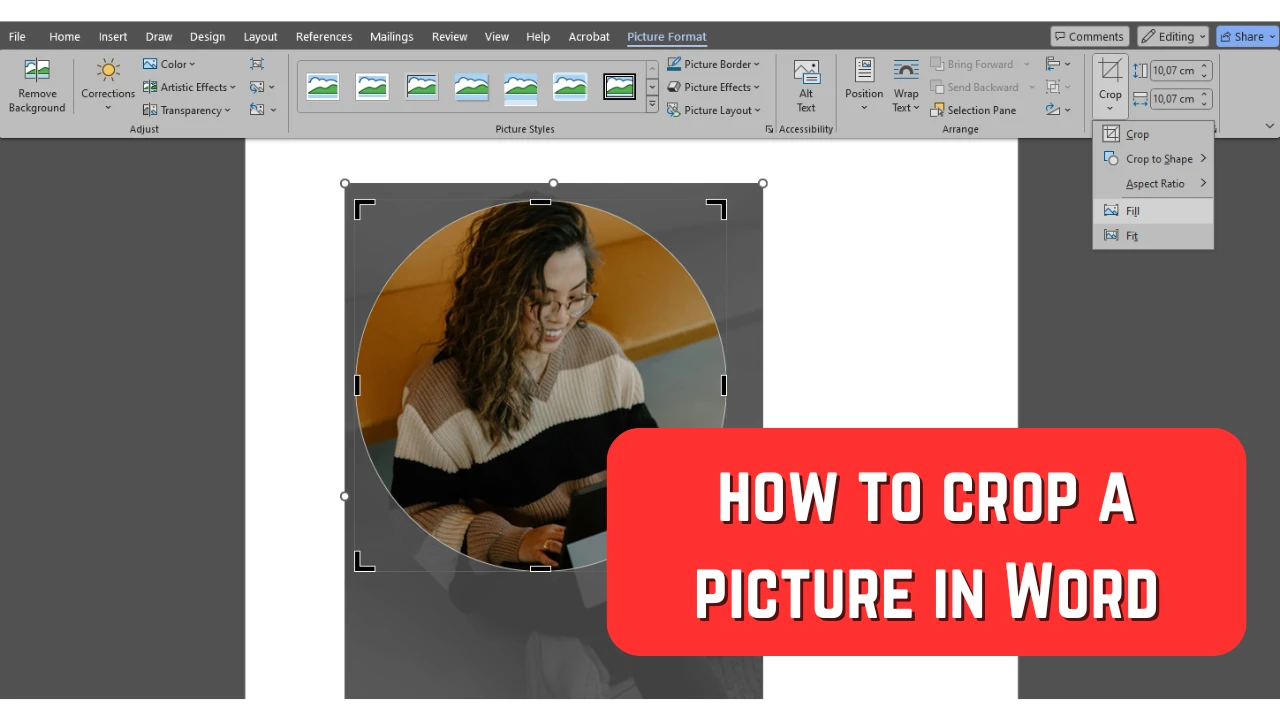
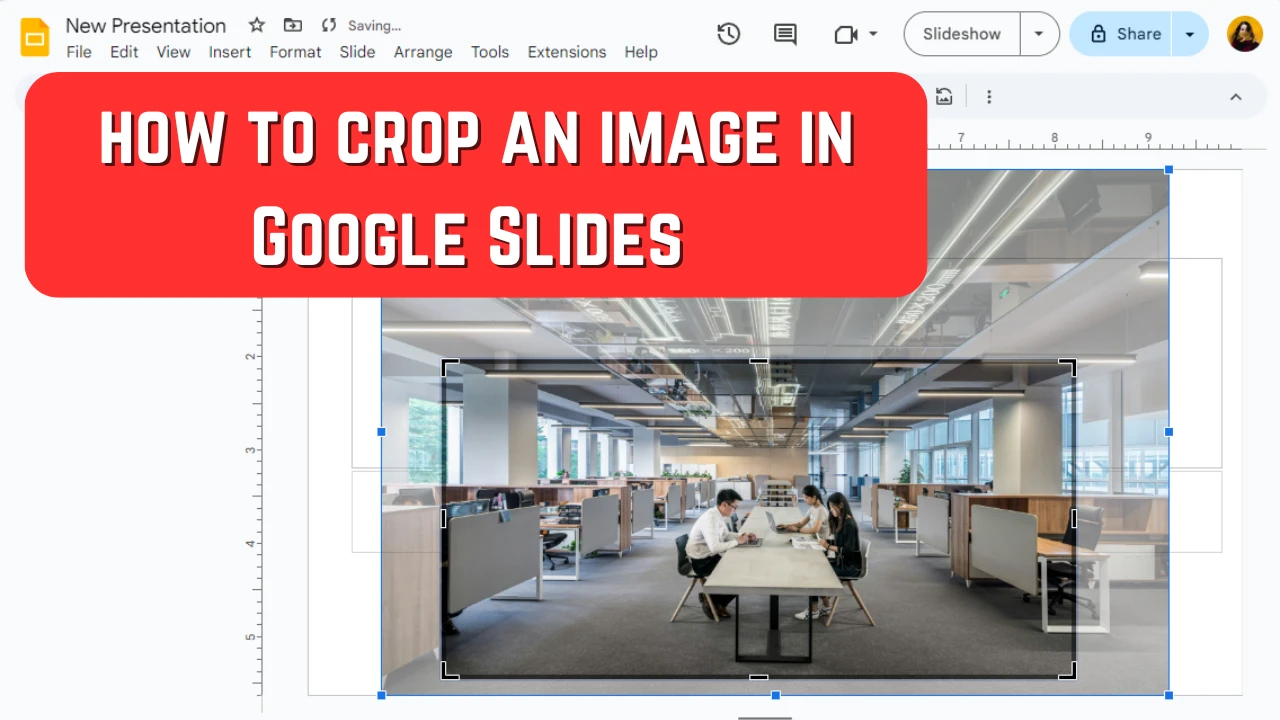
Cropping images might seem like something basic but it can actually be quite powerful. By cropping an image you can get rid of some unnecessary parts or distractions in the background. It can aid you in guiding the viewers’ attention to the key elements as well as drastically improve composition and bring more balance and harmony into an image.
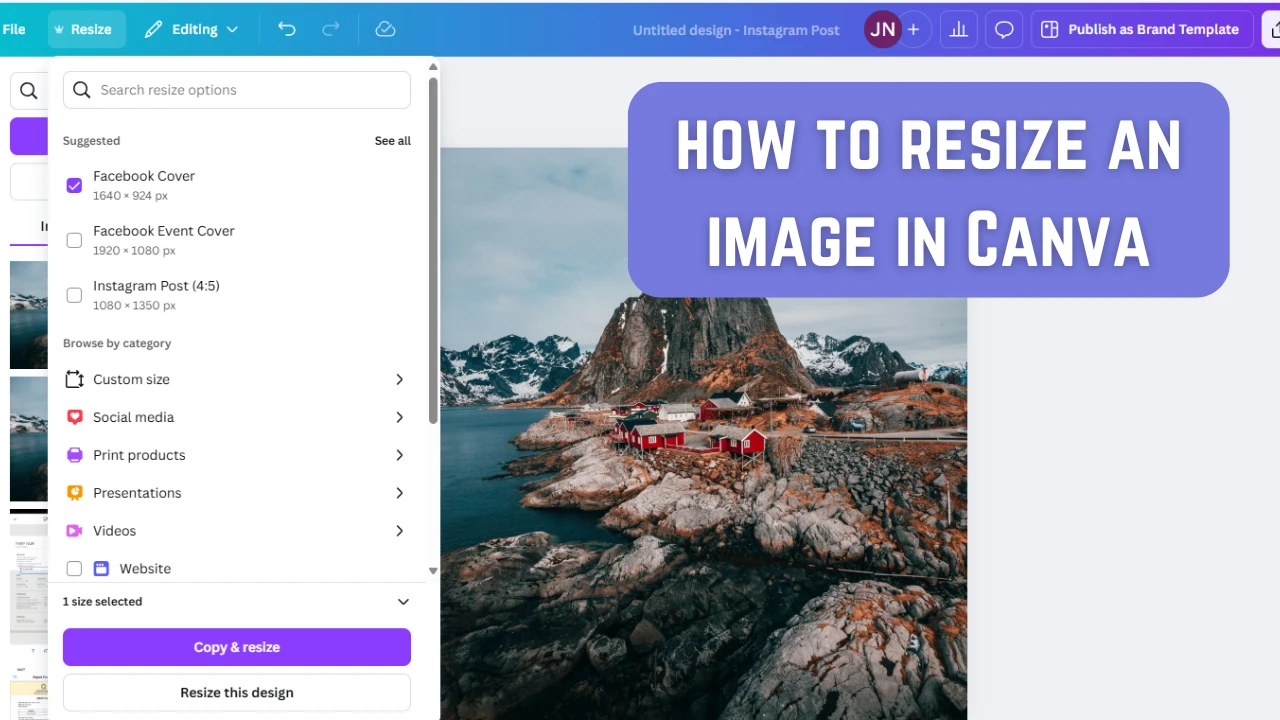
These days, pretty much everybody knows about Canva. It’s an online image editor that can provide you with lots of creative freedom. It has an intuitive interface and an amazing selection of various templates and design elements. It’s a perfect choice for beginners, amateurs and professionals.
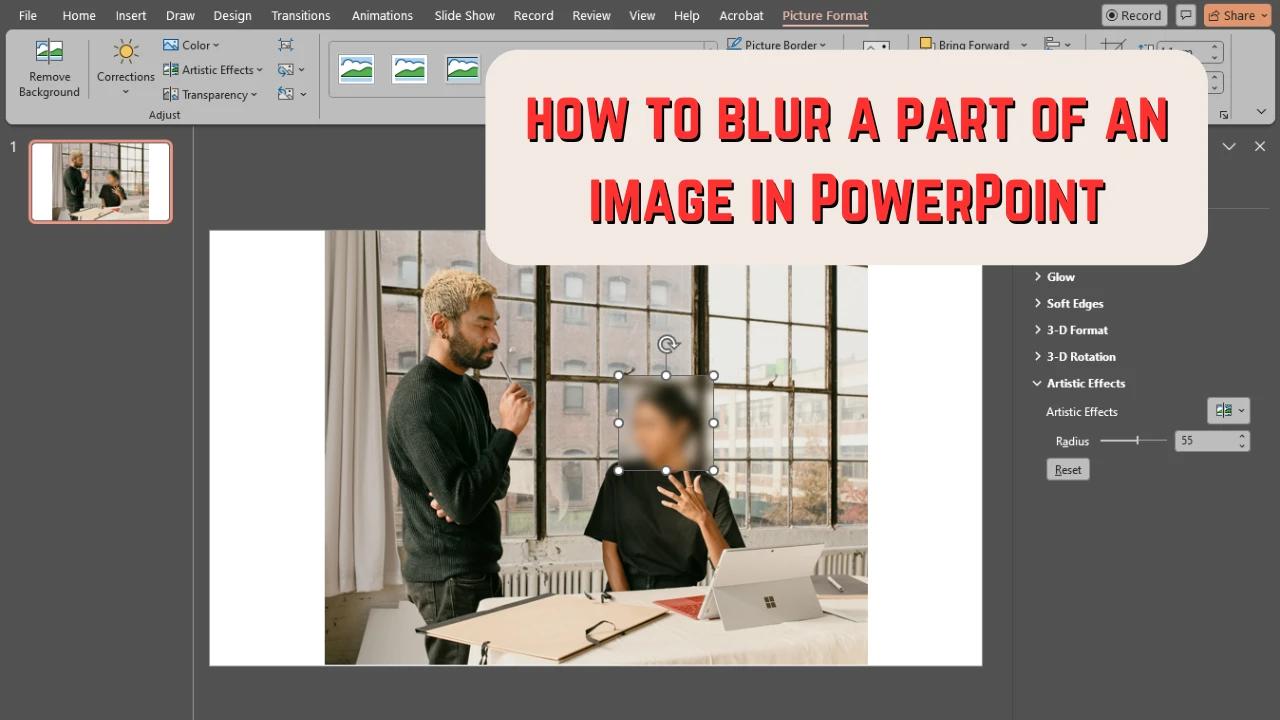
Images can make any presentation more memorable and eye-catching. But sometimes you might need to blur them – entirely or partially – for a number of reasons. Blurring is great because it’s effective, yet subtle and unobtrusive. You can blur an entire image and use it as a background of a slide, while the textual contents will still be perfectly readable. If you need to highlight something in an image, there’s no better way to do so than by keeping the most important part sharp and in focus while blurring everything around it.
AI is gaining more and more popularity. There are a ton of different AI-powered tools for image editing that can be used on different platforms and devices. AI-powered apps use artificial intelligence and machine learning to make editing tasks that are usually done manually simpler, easier and quicker. They can analyze the content of your image, identify what details need to be kept as well as detect which parts need to be removed.
 Lina Thorne • Updated · Posted in Photo Editing