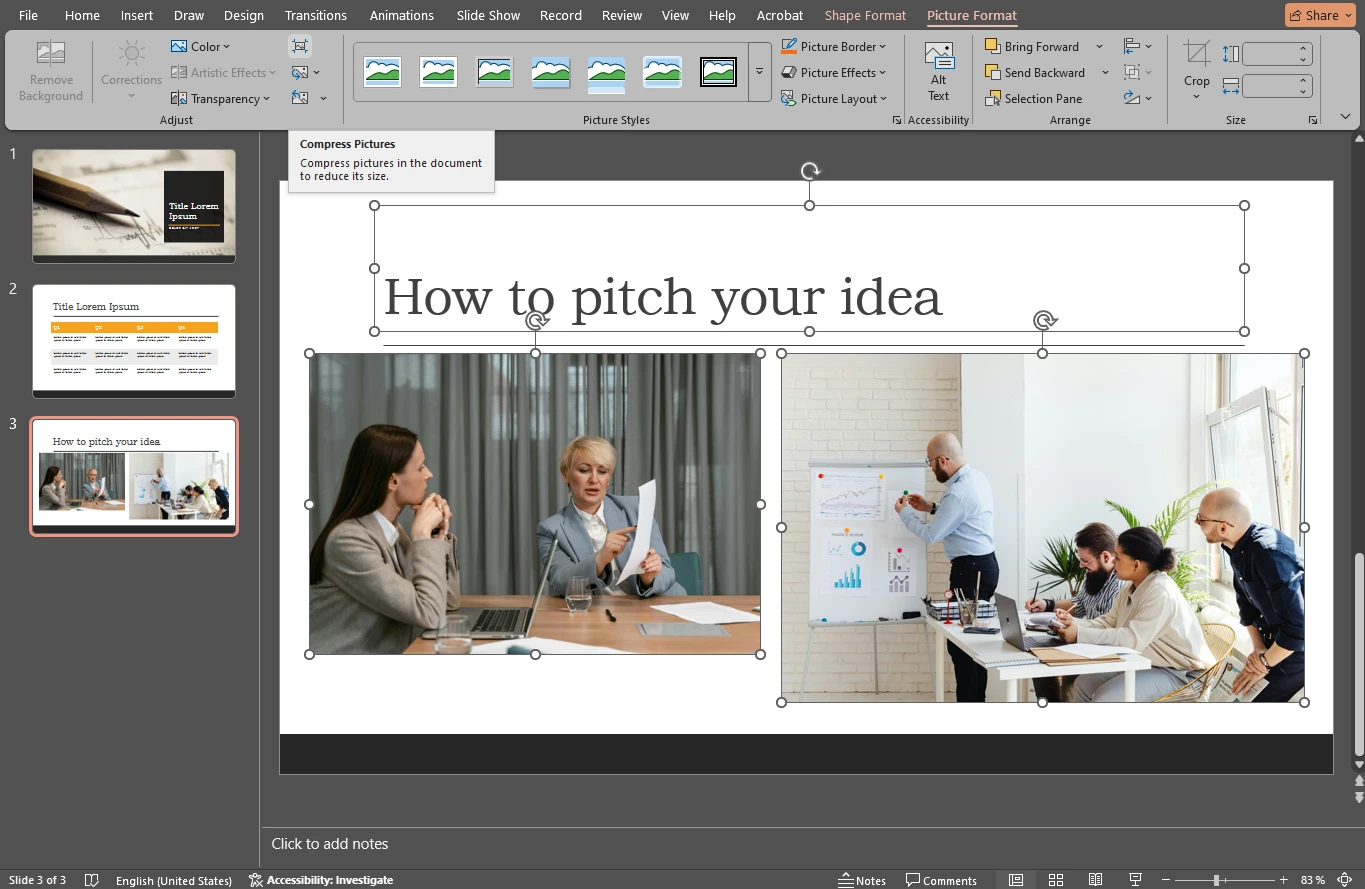
If your PowerPoint presentation contains a lot of images, its file size can quickly become difficult to manage. Large presentation files are harder to upload, send by email, store, and open smoothly — especially if they contain high-resolution photos.
Want to know how to protect your privacy online? The key is to build a few simple habits: use strong passwords, limit what you share, check your photos before posting, and stay alert to online threats.
You’ve spent time capturing that beautiful shot and editing it to perfection. You upload it to Instagram with excitement, then check the post… and it looks a bit blurry and pixelated. What happened?
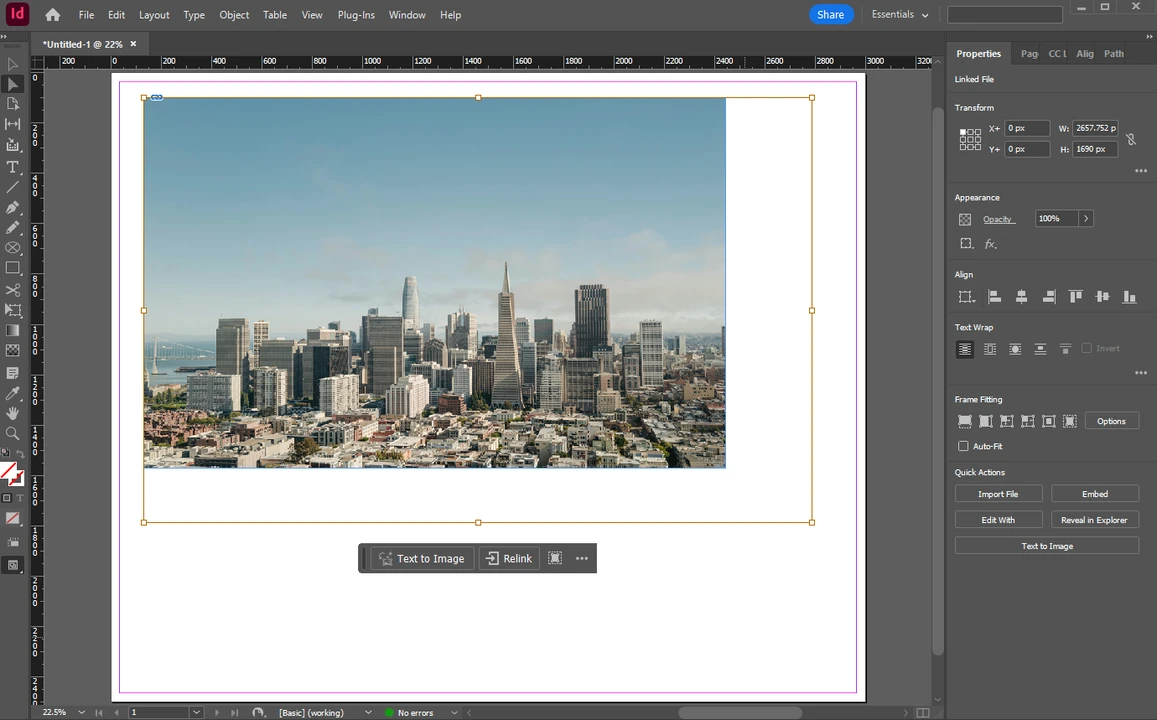
Adobe InDesign is a professional software for designing page layouts for books, brochures, posters, and interactive PDFs. It’s built around a frame-based model: text resides in text frames, graphics live in graphic frames, and composition is managed by arranging and formatting these frames. InDesign is ideal for editorial workflows where changes are frequently made to layouts and their elements.
PNG is one of the most widely used image formats for digital graphics, screenshots, logos, and other visuals that need sharp detail or transparent backgrounds. It remains popular because it combines lossless compression, broad compatibility, and transparency support. In practical terms, PNG is a strong choice when image clarity matters and you do not want repeated edits to damage visual quality.
 Lina Thorne • Updated · Posted in Photo Editing