Have you ever looked at a photo and felt it needed a little extra pop? Maybe you want to jazz up a selfie, add a personal touch, highlight a special moment or your emotions, or make your social media posts stand out. Maybe you want to hide some sensitive info or, vice versa, draw the attention to an important detail. Well, adding a sticker is a quick and easy way to make any photo more engaging and visually appealing.
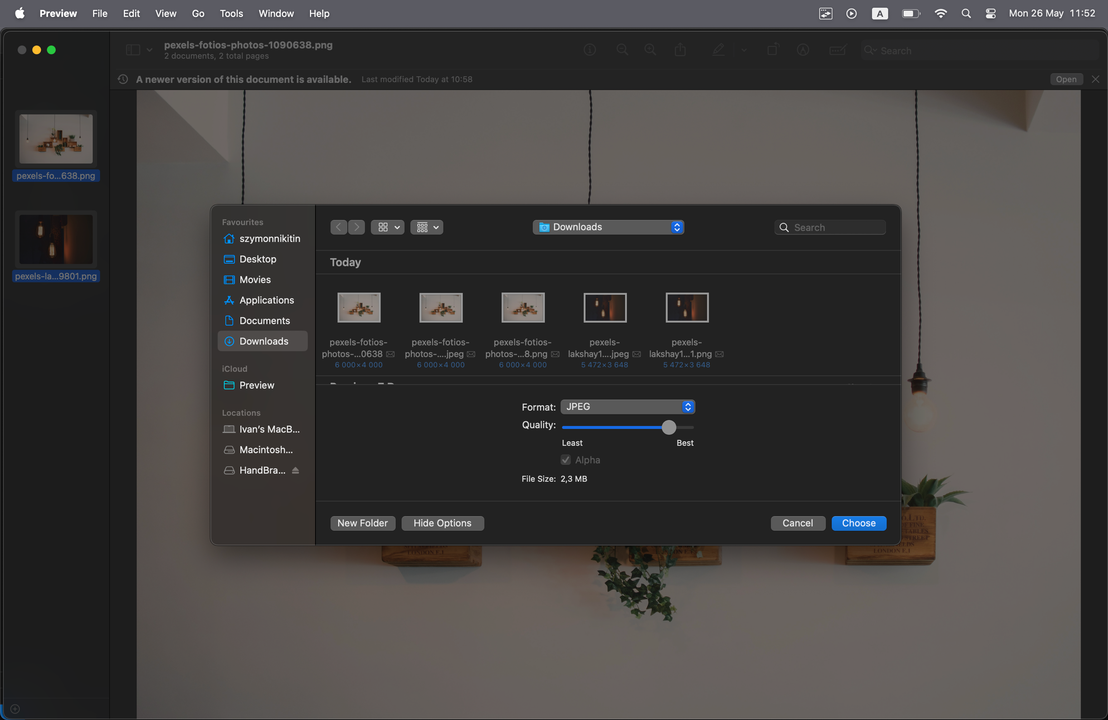
Do you want to know how to compress an image on a Mac quickly and without paying a cent? Luckily, this guide features all the possible ways to do this using the built-in tools. Yep, everything you need is already on your device! No additional downloads or payments are needed. Each method requires only a little bit of time, yet guarantees high-quality compression results.
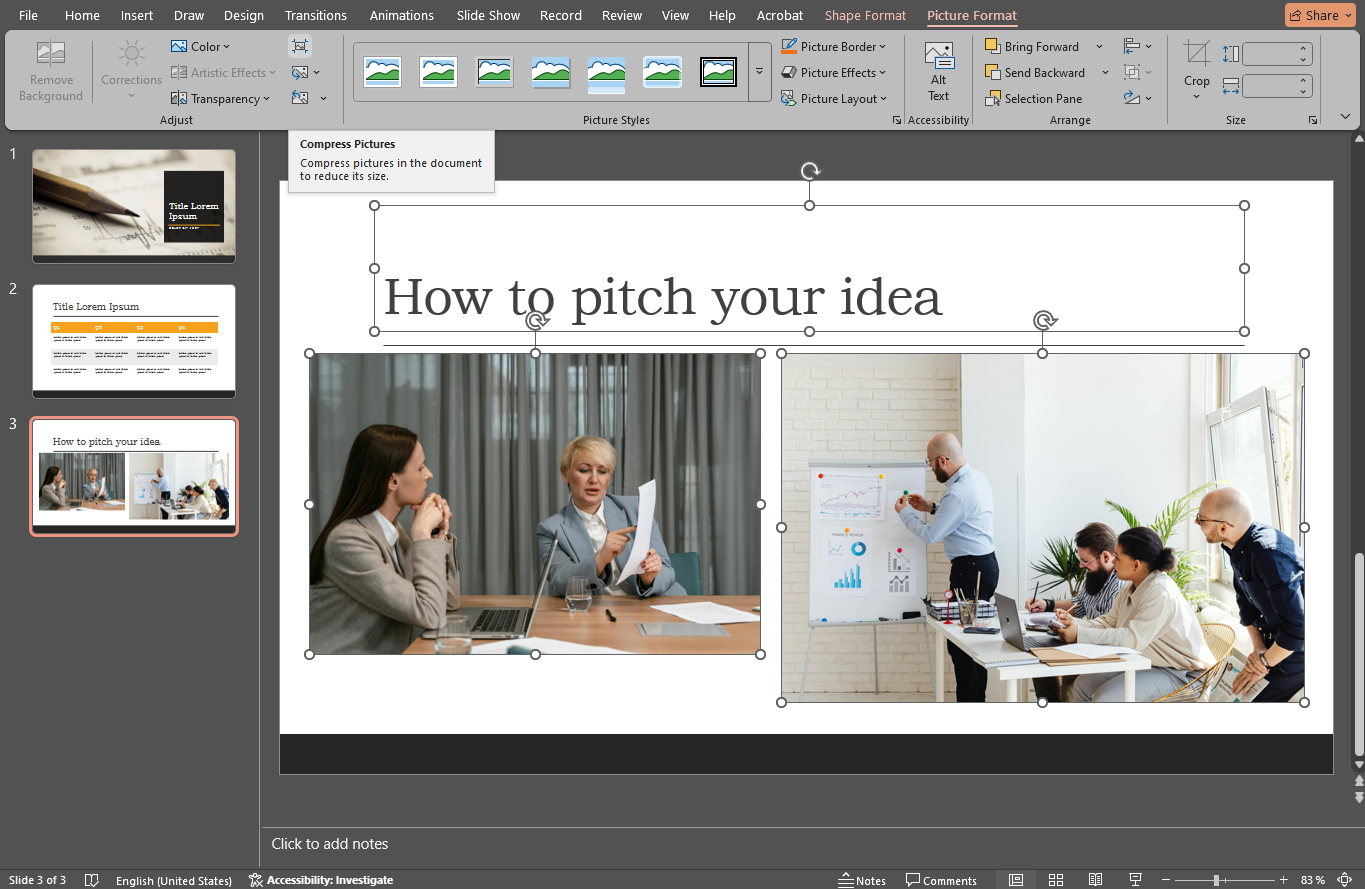
PowerPoint presentations are an integral part of business and education. They are often used when pitching a new product, presenting educational materials or simply showing some photos during a special event, like a wedding or a birthday party. So, yes, it’s possible to make use of a PowerPoint presentation for personal purposes, as well.
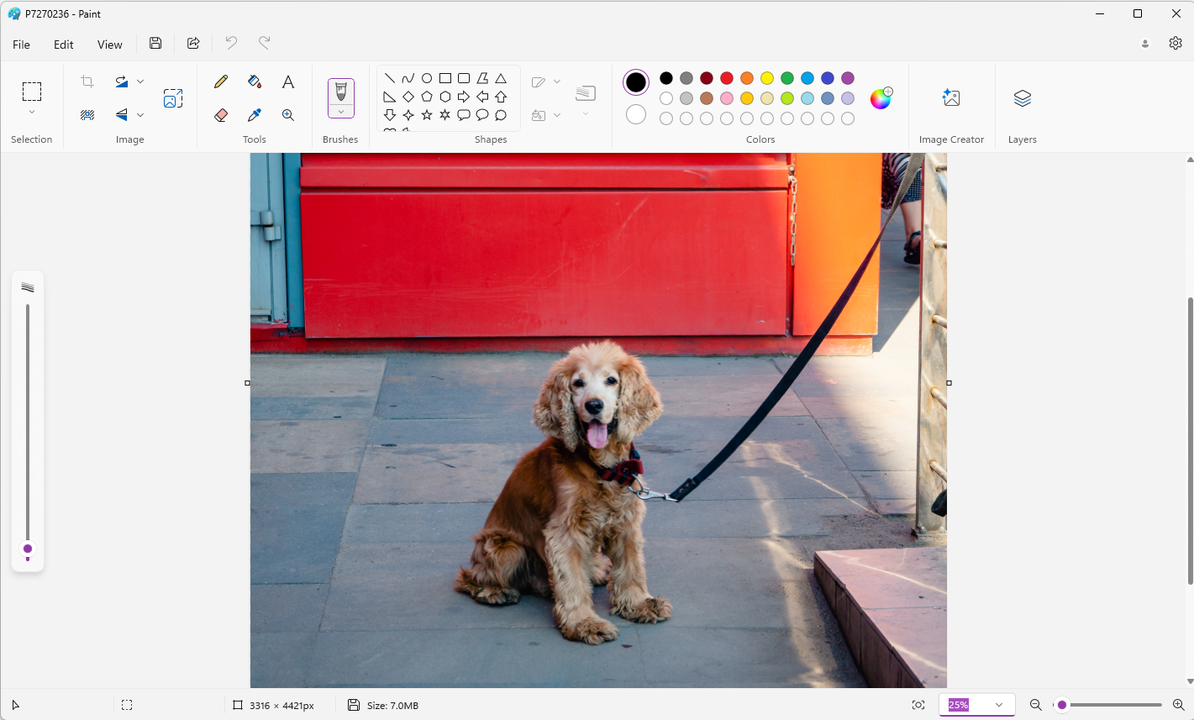
Knowing how to resize images is as important as knowing how to crop them. Why? Well, in most cases, you might need to change the size of your images before sharing them online. Some websites and social media platforms have their own size requirements. If you don’t follow them, your images might not get uploaded or their quality might get noticeably worse.
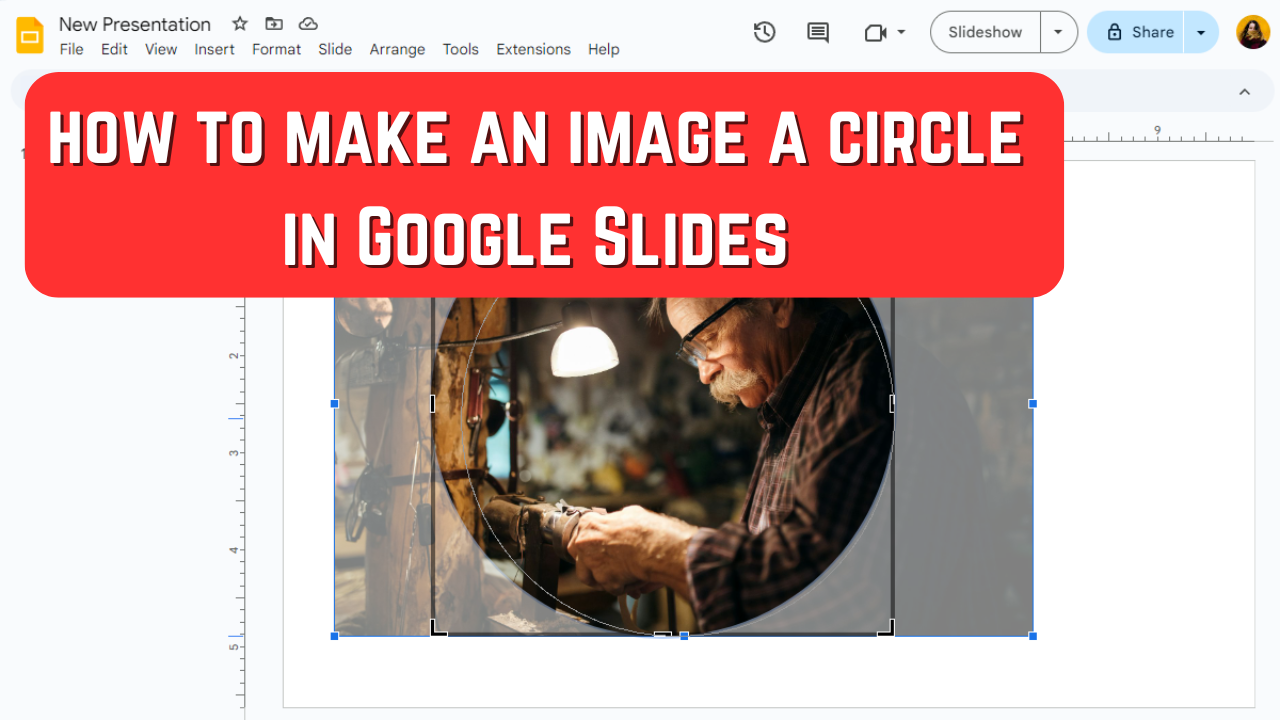
Cropping images into a circle or any other shape can help you add a touch of creativity to your presentation. In fact, Google Slides offers a selection of different shapes, so you can go for a polished look or, on the contrary, bring in a little bit of fun and humor.

 Lina Thorne • Updated · Posted in Photo Editing