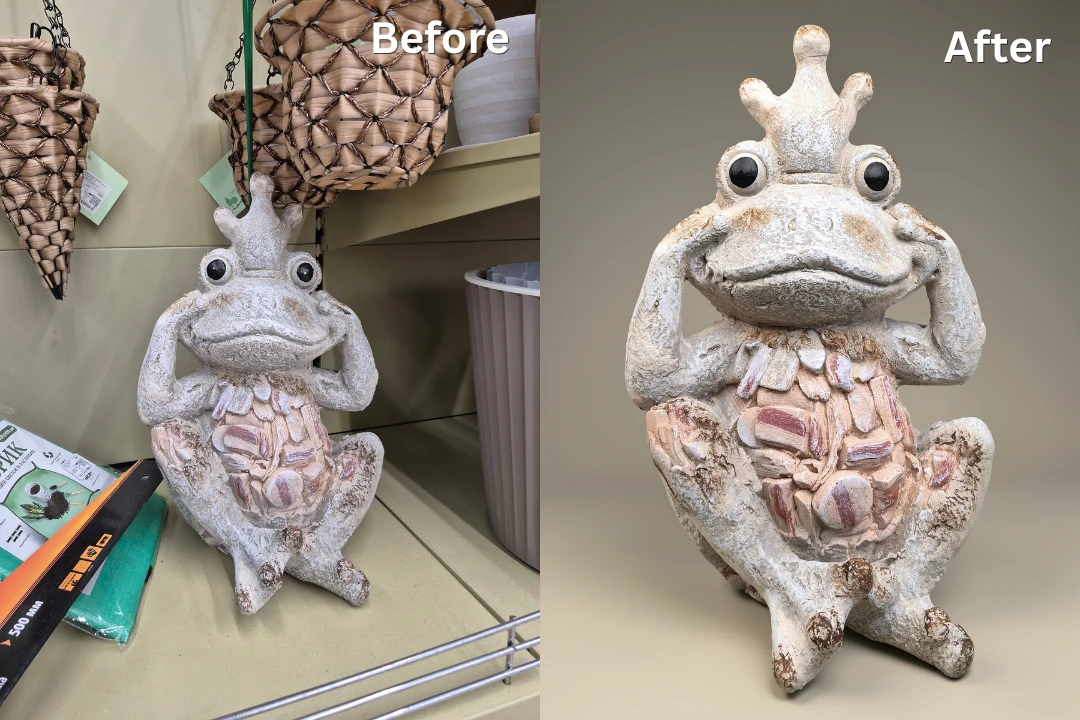
Sometimes photos don’t come out exactly as you imagined. Perhaps the lighting is far from perfect, the colors look washed out, or the background is too cluttered. Maybe the image is too small for printing or sharing. Luckily, modern image editors offer countless ways to enhance your photos.
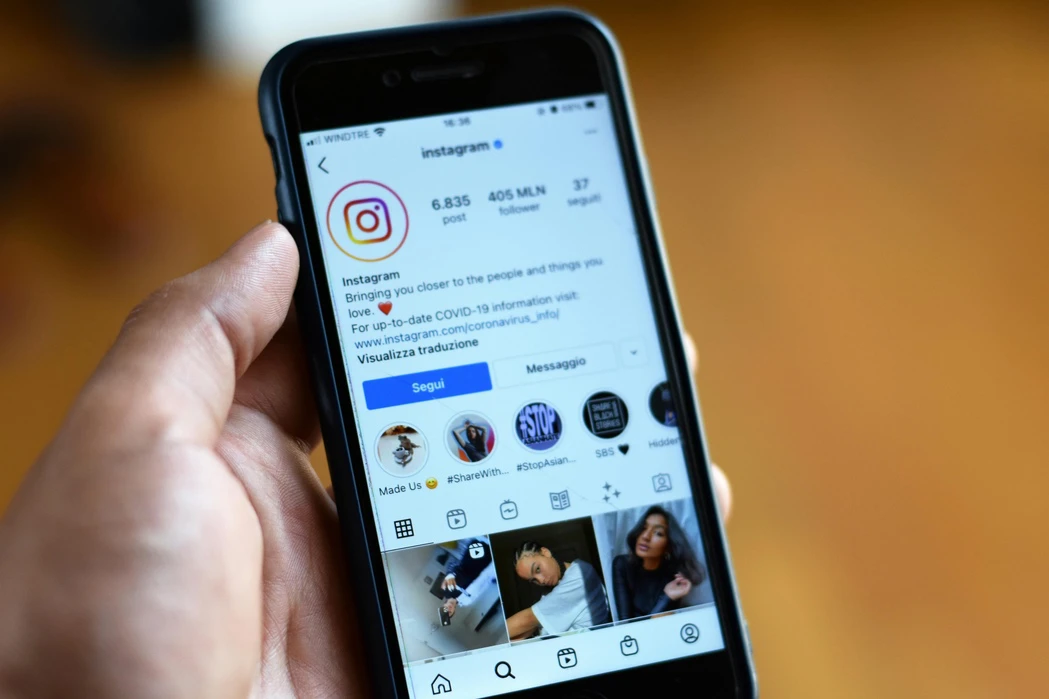
For photographers in 2026, Instagram remains one of the most important platforms for showcasing their work, expressing their creative vision, and connecting with both existing and potential clients. Even if you already have a personal website or use Pinterest to share your portfolio, a strong Instagram presence can still give you additional visibility and help you attract new opportunities.
Blurring faces on an iPhone is easier than it used to be. If you have a supported device, Apple now offers a built-in tool called Clean Up in the Photos app. It can help you hide or blur a face in a photo, and when you brush over a person’s face, the result may appear blurred with a pixelated effect.
Have you ever downloaded an image from the Internet, uploaded a photo to social media, or taken a picture on your smartphone? If so, there’s a very good chance you’ve come across a JPEG file. In fact, this format is so common that most people use it regularly without giving it much thought.
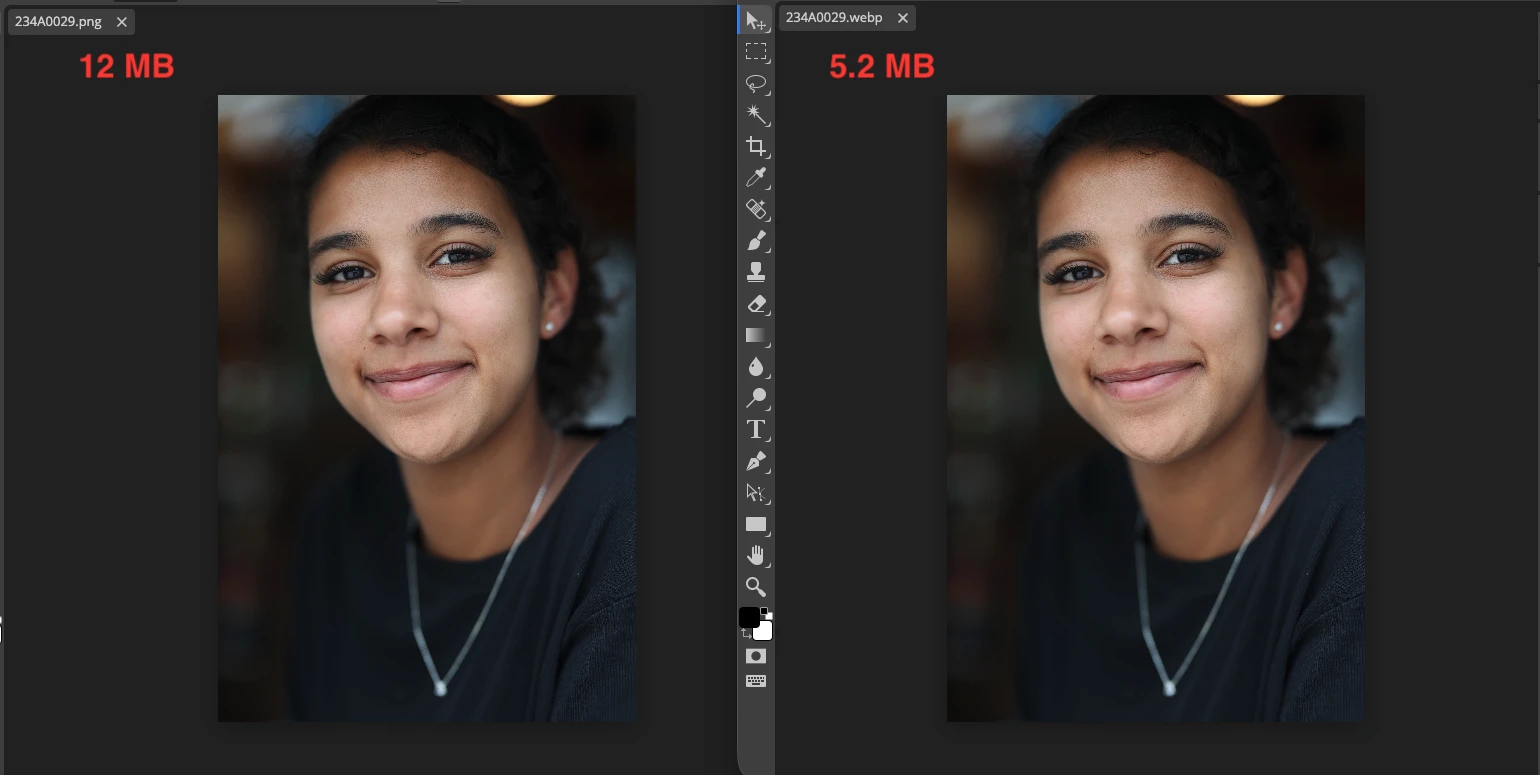
In this article, we’ll explore the key aspects of compressing images without losing quality. Specifically, you’ll learn: why images lose quality during compression; which image format works best for preserving quality; practical methods for reducing file size without visible artifacts. Let’s get into the details.
 Lina Thorne • Updated · Posted in Photo Editing