You’ve spent time capturing that beautiful shot and editing it to perfection. You upload it to Instagram with excitement, then check the post… and it looks a bit blurry and pixelated. What happened?
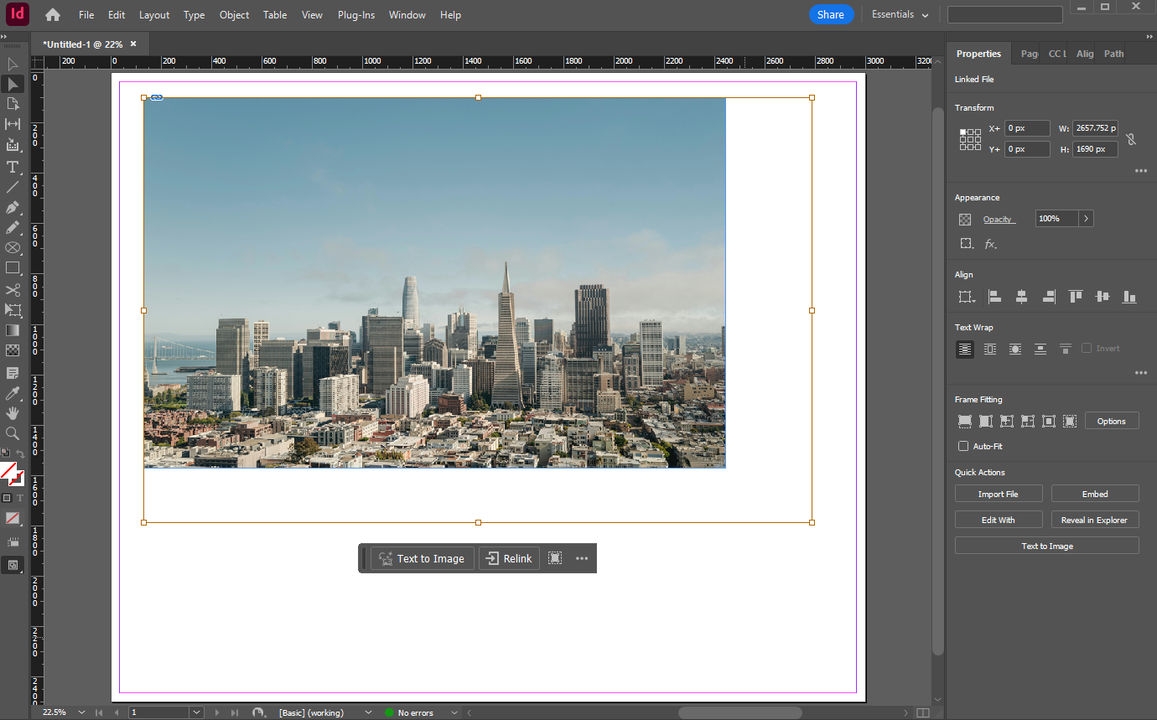
Adobe InDesign is a professional software for designing page layouts for books, brochures, posters, and interactive PDFs. It’s built around a frame-based model: text resides in text frames, graphics live in graphic frames, and composition is managed by arranging and formatting these frames. InDesign is ideal for editorial workflows where changes are frequently made to layouts and their elements.
Have you ever downloaded an image from the Internet, uploaded a photo to social media, or taken a picture on your smartphone? If the answer is yes, there’s a high chance you’ve come across a JPEG file. In fact, you probably use JPEGs every day.
In today’s digital world, images are an essential part of communication, design, and marketing. One of the most widely used image formats is PNG, which is known for its high quality, versatility, and lossless compression. If you’ve ever downloaded a logo with a transparent background or saved a screenshot on your computer, you’ve likely come across a PNG file. But what does PNG stand for?
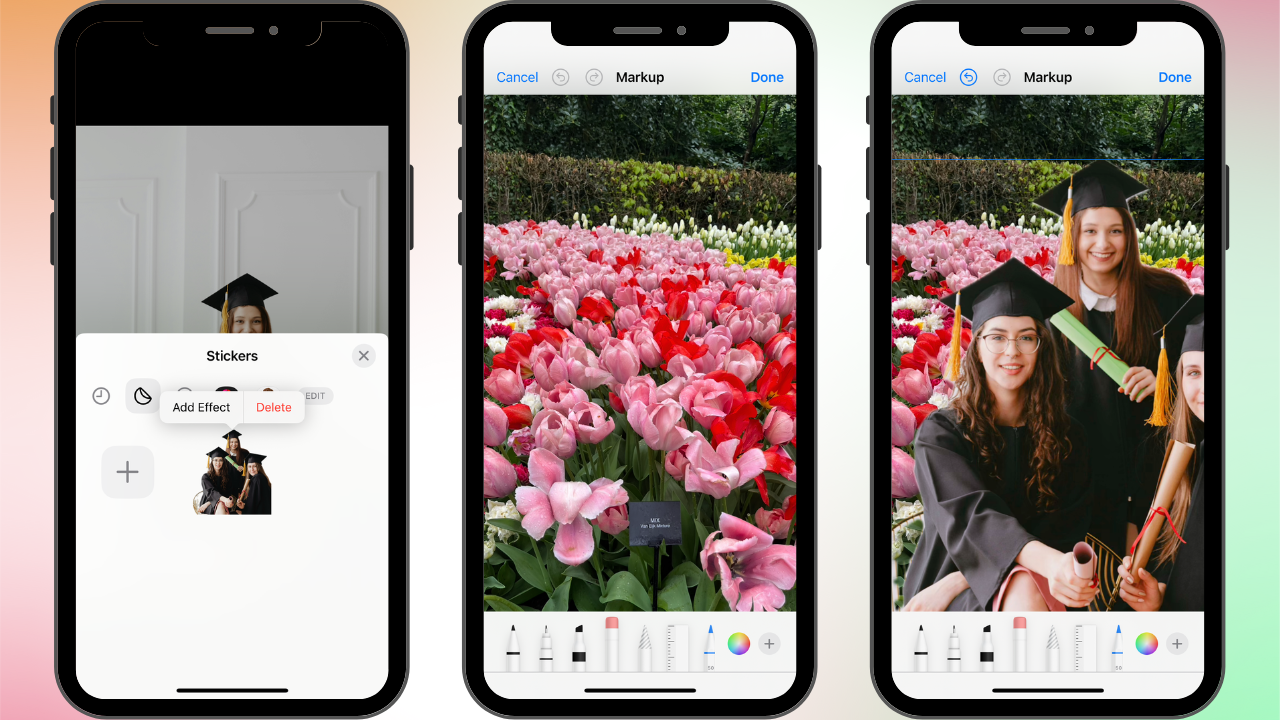
Changing the background of a picture on your iPhone can really transform an ordinary photo into something extraordinary. This can be extremely useful for removing distractions, creating stunning visuals for social media, or even making professional-looking promotional materials. Fortunately for iPhone users, this task can be pretty easy.

 Lina Thorne • Updated · Posted in Photo Editing