Why Choose Our Add Text to Photo Online Tool
The app works online in your browser, so you don’t need to install any software or plugins. It makes adding and editing text on a photo fast and straightforward.
Here Are More Benefits:
- Easy to Use: The interface is simple and intuitive, so you can add and style text in just a few seconds. No technical photo-editing skills are required.
- Quick and Seamless Performance: You can write text on image online from anywhere with an internet connection. Your image is uploaded and exported instantly, and the editing process stays smooth and lag-free.
- Designed for One Photo at a Time: This tool is ideal when you want to add text to a single image or create a photo caption, then save the result without any watermark on the exported image.
- Works on Any Device: You can use the tool on iPhone and Android devices, as well as on Mac and Windows computers.
- Your Data Stays Private: Your image remains private while you use the tool. We do not store copies of your files or access their contents.
All the Editing Tools You Need
This tool gives you everything you need to style text on a single photo — from simple captions to multi-line messages, quotes, and labels. It also gives you flexible options to adjust the appearance of your text in detail.
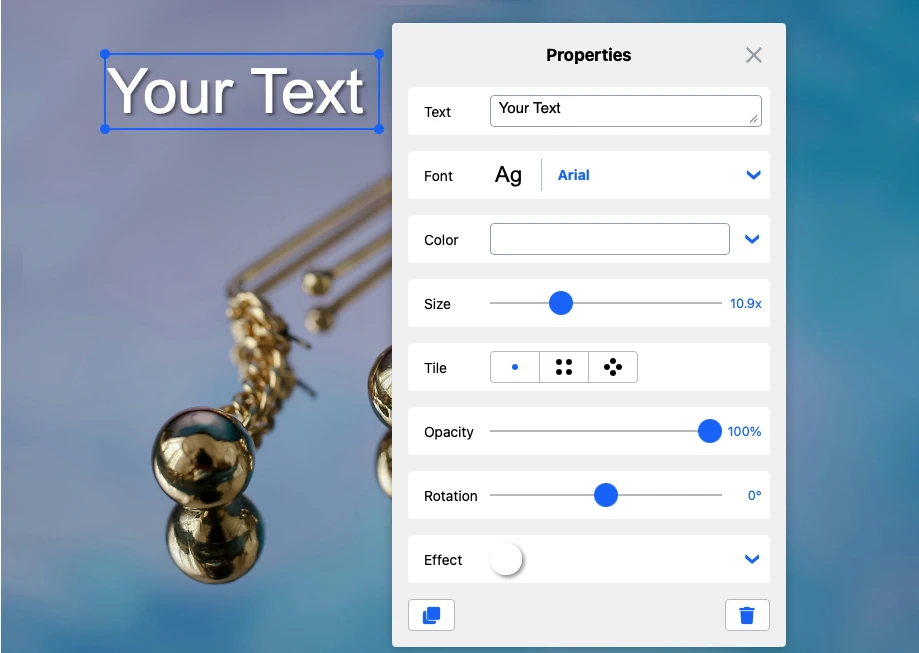
You will have access to the following features:
- Add multi-line text
- More than 926 fonts
- More than 90 colors
- 39 effects
- Size, position, and rotation adjustments
- Add a logo (optional).
How to Add Text to a Photo
Go to Watermarkly’s website > Tools > Add Text to Photo. Or simply scroll back to the top of this page and follow these steps:
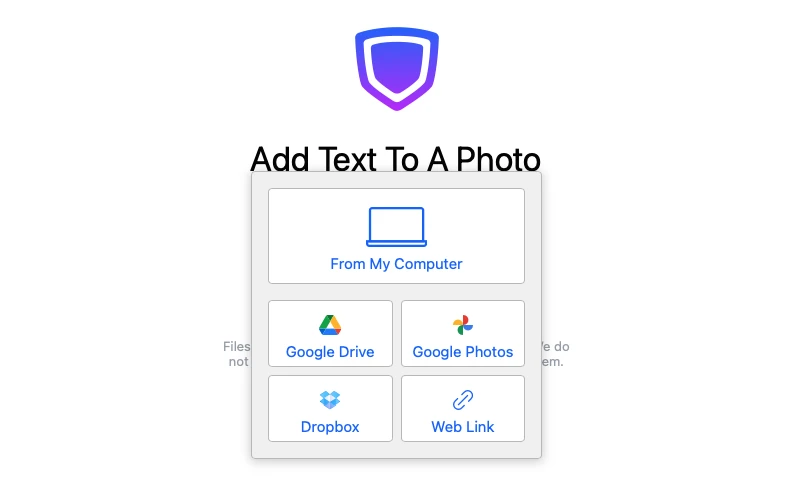
1. Import an image from your device or cloud storage
Choose a photo from your computer, phone, or connected storage and open it in the editor. The tool is designed for working with one image at a time, so you can start editing right away without any unnecessary extra steps.
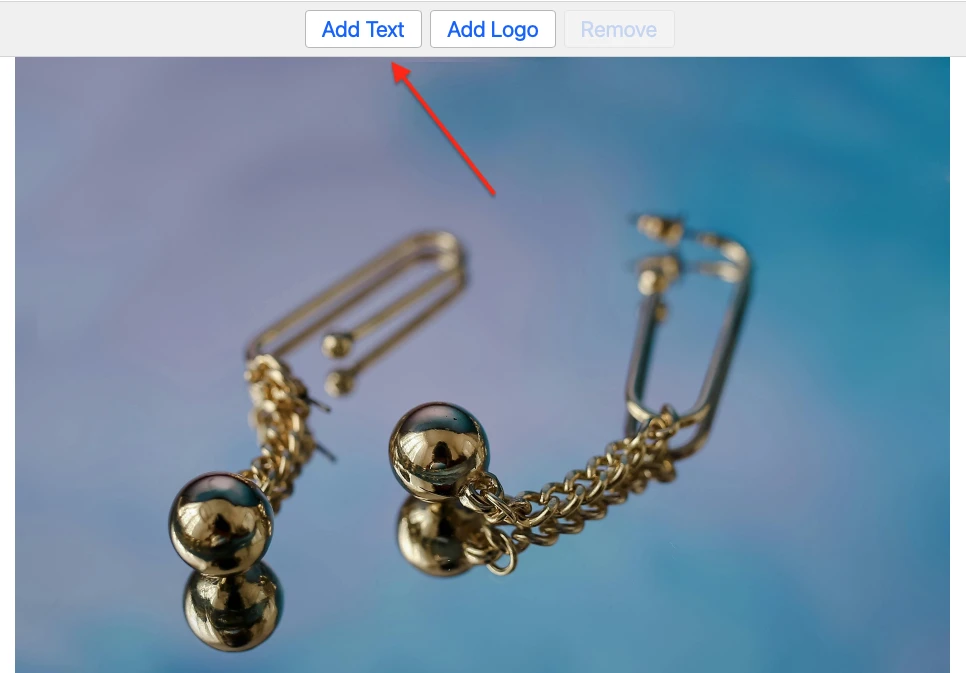
2. Click “Add Text” to begin.
Start writing on your image by clicking “Add Text.” You can create a photo caption, add a short quote, or place any other text overlay exactly where you need it.
3. Use the toolkit to style your text.
Our app gives you plenty of control over how your text looks.
- Add as many text lines as you need. You can place multiple captions, labels, or separate text elements on one photo, which makes it easy to create anything from a simple title to a more detailed text layout.
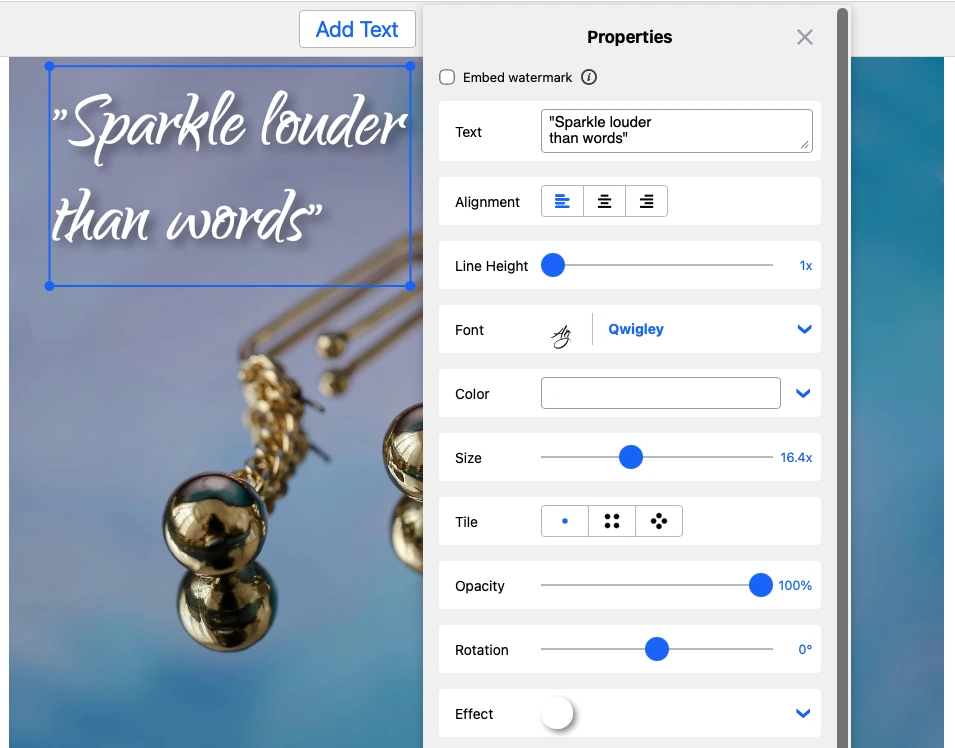
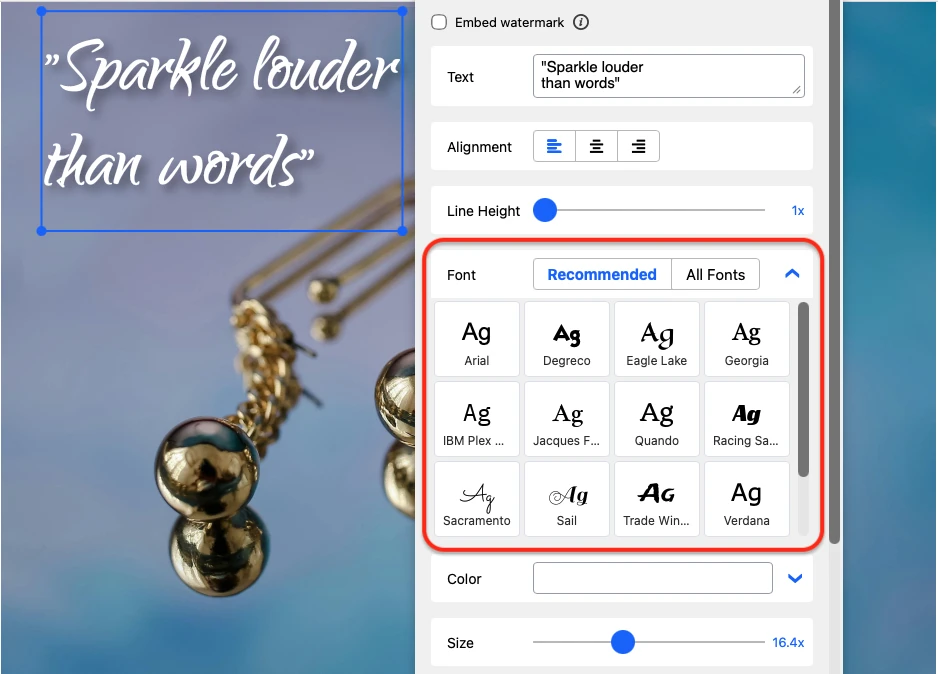
- Choose from a large font library. Our app includes a diverse library of around 926 fonts to choose from when adding text to a picture. In the free mode, you have access to 12 of them. Please note that font availability depends on the language you use for your text.
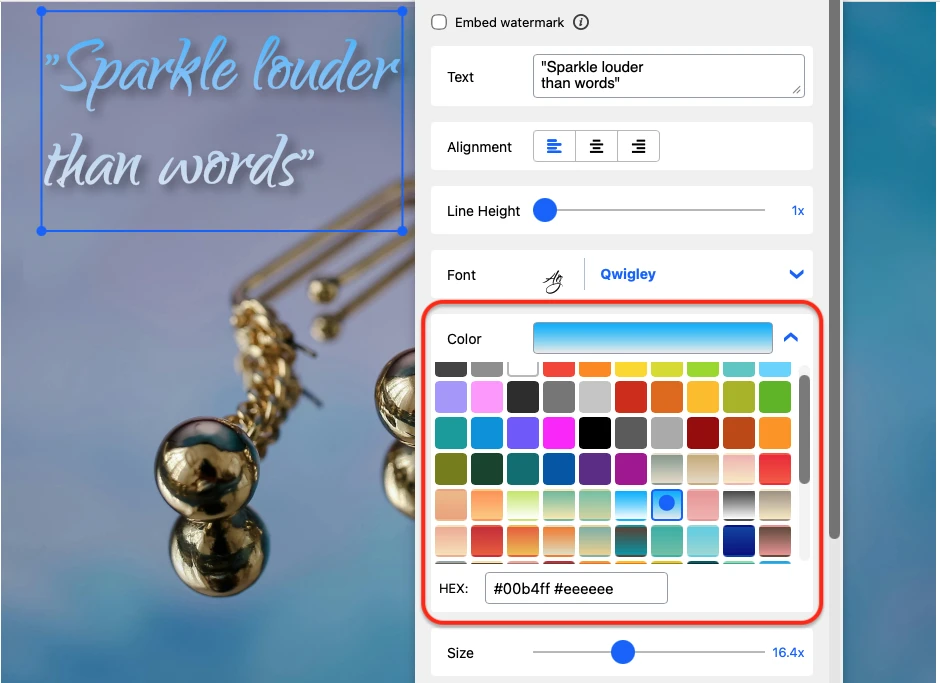
- Pick any color you want. The color wheel in our app allows you to choose any shade or hue. You can also enter a HEX color code in the input field to get the exact color you need.
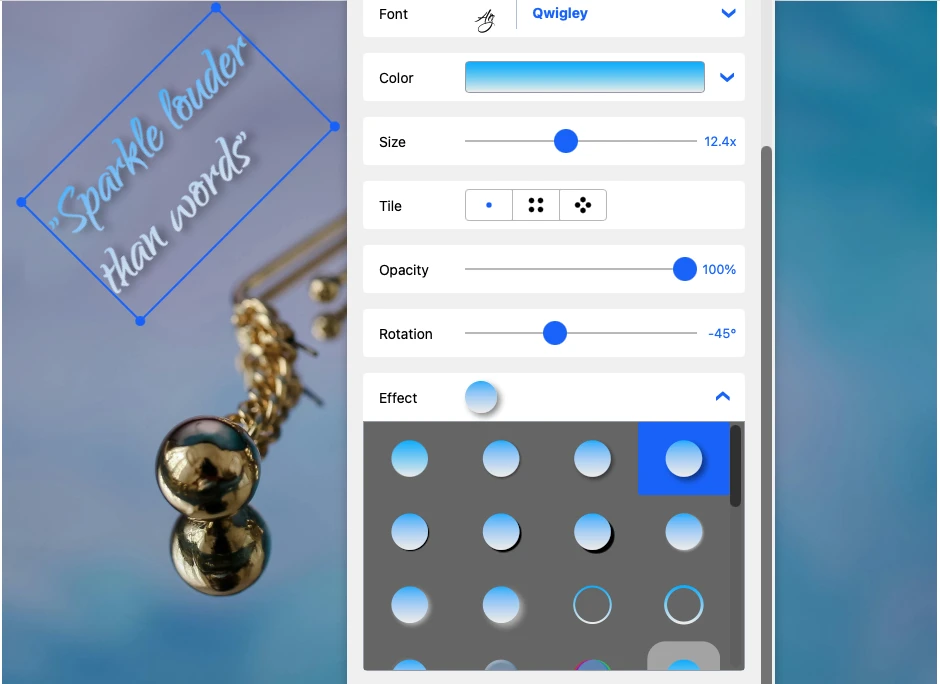
- Rotate the text freely. Your text can be positioned diagonally, vertically, or even upside down. You can adjust the rotation angle using the slider or by double-clicking the degree indicator and entering any value from 0 to 360.

- Apply visual effects. Our app offers 39 effects that you can use to make your text stand out more. Try different styles and see which one works best for your image.
This makes it easy to create anything from a quick photo caption to a more detailed text composition on a single image.
4. Add extra elements if needed.
If needed, you can also add a logo as an additional element. This option is useful when you want more than plain text on the photo. 
5. Export the edited image
Once your text is ready, export the edited image in just a few clicks. The processing is fast, the original photo is not overwritten, and the finished file is saved without any watermark.
FAQ
Can I add text to a single photo for free?
Yes. This tool allows you to add text to one photo at a time for free and export the edited image without any watermark.
Will the exported image have a watermark?
No. The finished image is saved without any watermark, so you can use it right away after editing.
Can I put text on an image online?
Yes. You can use the tool to put text on image online, create a photo caption, add a quote, or place a label on a single photo.
Can I add more than one text line to the same image?
Yes. You can add multiple text lines and arrange them however you need, which makes it easy to create anything from a short caption to a more detailed text layout.
Can I also add a logo?
Yes. A logo can be added if you want to combine text with another visual element.